Quick Answer
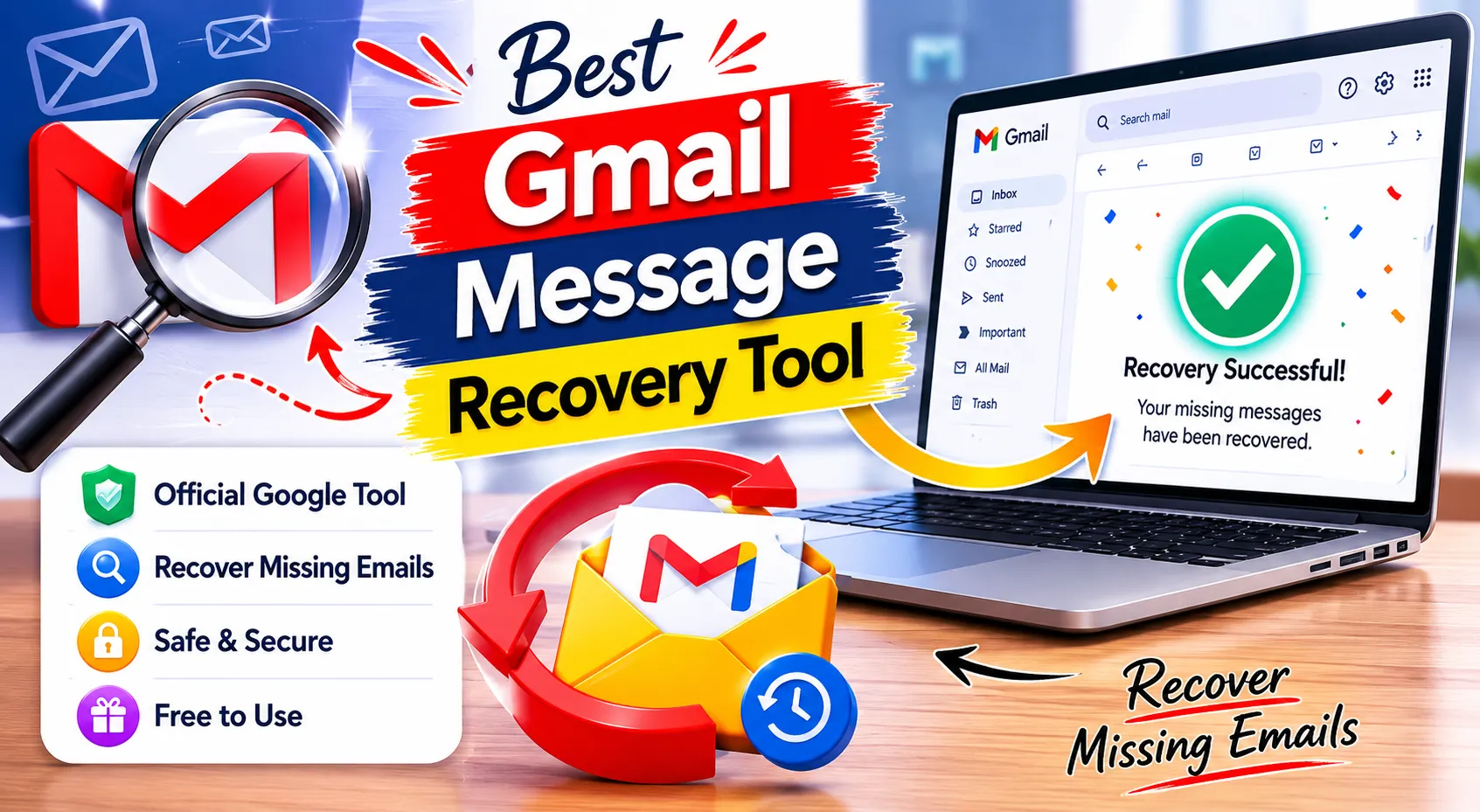
The best Gmail Message Recovery Tool is the official tool provided by Google. It is free to use, works through your Google Account, and does not require a download.
You should try it when Gmail messages are missing, and you believe they may have been deleted due to unauthorized account access. It is not a guaranteed recovery solution, and results depend on your account status, deletion timing, and Google’s recovery rules.
What Is the Best Gmail Message Recovery Tool?
The best Gmail Message Recovery Tool is Google’s official email recovery workflow for Gmail users. It is designed to help recover emails that might have been deleted after someone accessed your account without permission.
This is different from a normal Trash restore. If an email is still in Trash, you can move it back to your inbox manually. The Gmail Message Recovery Tool is used when messages are missing, and normal Gmail search or Trash recovery does not solve the problem.
The tool is not a downloadable app. You access it through Google’s official support page while signed in to your Google Account.
How to Access the Gmail Message Recovery Tool
You can access the official Gmail Message Recovery Tool from Google’s Gmail Help workflow. You must be signed in to the Google Account where the messages are missing.
- Open the official Gmail Message Recovery Tool page: Use Google’s official Gmail Help recovery workflow.
- Sign in to your Google Account: Make sure you use the same Gmail account that has the missing emails.
- Follow the recovery prompts: Google will guide you through the available recovery steps.
- Check your Gmail account: After submitting the request, check the Inbox, All Mail, Trash, Spam, and other labels.
- Secure your account: If you suspect unauthorized access, change your password and review account security settings.
Gmail Message Recovery Tool
Recover Gmail emails that may have been deleted because someone accessed your account without permission. This tool opens the official Google recovery page.
Open Gmail Recovery ToolNote: You will be redirected to Google Support and may need to sign in.
When Should You Use the Gmail Message Recovery Tool?
You should use the Gmail Message Recovery Tool when Gmail messages are missing, and you believe the emails may have been deleted because your account was accessed without permission.
Before using the tool, check these common places first:
- Trash
- Spam
- All Mail
- Archived messages
- Filters and blocked addresses
- Forwarding settings
- POP or IMAP email client settings
- Other synced devices
Many “missing” Gmail emails are not actually deleted. They may be archived, filtered, moved to Spam, removed by another email client, or deleted from a synced device.
Key Features of the Official Gmail Message Recovery Tool
Official Google Support Workflow
The tool is provided by Google, which makes it safer than unknown third-party recovery apps. It works through your Google Account instead of asking you to install software.
No Download Required
You do not need a Gmail Message Recovery Tool download. The official recovery process runs online through Google’s support page.
Free to Use
The official Gmail Message Recovery Tool is free. Be careful with paid tools that promise guaranteed Gmail email recovery, especially if they ask for your login details.
Useful for Missing Gmail Messages
The tool can be helpful when Gmail messages are missing and normal search, Trash, Spam, and filter checks do not solve the issue.
Designed for Unauthorized Access Cases
The recovery tool is mainly useful when messages may have been deleted due to suspicious or unauthorized access to your Gmail account.
Why Use Google’s Official Gmail Message Recovery Tool?
Google’s official tool is the safest option because Gmail message recovery depends on Google account data, deletion timing, and account security. A third-party website cannot directly restore permanently deleted Gmail messages from Google’s servers.
The official tool also helps reduce security risk. Many fake recovery tools use urgent language and ask users to download software or enter login details. That can put your Gmail account at risk.
If your Gmail messages are important, use official recovery options first. Then review your account security, connected apps, forwarding rules, and filters to prevent the issue from happening again.
Practical Example
Imagine you open Gmail and notice that several important emails are missing. You search your inbox but cannot find them. Before using the Gmail Message Recovery Tool, you should check Trash, Spam, All Mail, filters, forwarding, and synced email clients.
If the messages are not found and you suspect someone accessed your Gmail account, go to the official Gmail Message Recovery Tool page and sign in with the affected account. Follow the prompts and then check Gmail again.
If you use Google Workspace, contact your administrator quickly. Workspace admins may have separate restore options through the Google Admin console, depending on when the messages were deleted.
What to Do Before Trying Gmail Message Recovery
Search All Mail, Spam, and Trash
Use Gmail search and choose Mail, Spam, and Trash if available. Search by sender, subject, date, keyword, or attachment.
Check Gmail Filters
Some filters automatically archive, delete, or move emails. Go to Gmail settings and review filters that use actions like “Delete it” or “Skip Inbox.”
Review Forwarding Settings
If forwarding is enabled, messages may be sent to another email address. Turn off unknown forwarding addresses and keep Gmail’s copy in the inbox.
Check POP and IMAP, Clients
Email apps such as Outlook, Apple Mail, or other clients can remove or archive Gmail messages depending on the settings.
Secure Your Account
Change your password, review recovery email and phone settings, remove unknown third-party access, and enable 2-Step Verification if needed.
Who Can Use This Tool?
Personal Gmail Users
Personal Gmail users can try the official Gmail Message Recovery Tool when emails are missing and unauthorized access may be involved.
Google Workspace Users
Workspace users can contact their admin. Admins may be able to restore deleted Gmail data from the Admin console within Google’s allowed restore period.
Business Owners
Business owners can use this guide to understand recovery options and avoid unsafe third-party recovery tools.
Students and Professionals
Anyone who depends on Gmail for school, work, or personal records can use this guide to check safe recovery options.
Common Mistakes to Avoid
Downloading Fake Recovery Tools
Do not download random Gmail message recovery software. The official Gmail Message Recovery Tool is online and does not require a download.
Waiting Too Long
Email recovery is time-sensitive. If messages are deleted, check the Trash and recovery options as soon as possible.
Ignoring Trash and Spam
Many missing Gmail messages are found in Trash, Spam, or All Mail. Always search these areas before assuming the messages are permanently deleted.
Using the Wrong Google Account
Make sure you are signed in to the same Gmail account where the messages are missing.
Confusing Personal Gmail with Google Workspace
Personal Gmail and Google Workspace recovery options are different. Workspace users should contact their admin quickly.
Helpful Tips
- Use Gmail search with sender names, date ranges, keywords, and attachment filters.
- Check the trash before using the recovery tool.
- Review filters that may delete or archive emails automatically.
- Disable unknown forwarding addresses.
- Remove suspicious third-party apps connected to your Google Account.
- Turn on 2-Step Verification for better account protection.
- For Google Workspace accounts, contact your admin as soon as possible.
Limitations of the Gmail Message Recovery Tool
The Gmail Message Recovery Tool does not guarantee that every missing or deleted email can be restored. Recovery depends on the reason the messages disappeared, how long ago they were deleted, and whether Google still has recoverable data available.
The tool is not meant for recovering discarded drafts, deleted Spam messages, or every permanently deleted email. It is also not a replacement for regular backups, Google Vault, or proper account security.
If the tool is not working, stuck, or does not recover the missing messages, check Gmail Help, try again later, confirm you are signed in to the correct account, and review your Gmail settings manually.
Conclusion
The Best Gmail Message Recovery Tool is Google’s official Gmail Message Recovery Tool because it is safer than third-party downloads and works directly through Google’s support system.
Start by checking Trash, Spam, All Mail, filters, forwarding, and synced email clients. If your Gmail messages are still missing and you suspect unauthorized access, use the official Gmail Message Recovery Tool and secure your account immediately.
FAQs
What is the best Gmail Message Recovery Tool?
The best Gmail Message Recovery Tool is Google’s official Gmail Message Recovery Tool. It is safer than third-party recovery tools because it works through Google’s own support process.
Is the Gmail Message Recovery Tool free?
Yes, Google’s official Gmail Message Recovery Tool is free to use. You do not need to pay for a download or install recovery software.
Where can I find the Gmail Message Recovery Tool?
You can find it on Google’s official Gmail Help page. Search for “Gmail Message Recovery Tool” and make sure the page is from Google Support.
Do I need to download the Gmail Message Recovery Tool?
No. The official Gmail Message Recovery Tool does not require a download. It works online after you sign in to your Google Account.
Why is the Gmail Message Recovery Tool not working?
It may not work if you are signed in to the wrong account, the messages are outside Google’s recovery period, or the emails are not recoverable. Check Trash, Spam, filters, and forwarding settings too.
What should I do if the Gmail Message Recovery Tool is stuck at 99?
Refresh carefully, try again later, use another browser, clear cache, and confirm you are signed in to the correct account. If the issue continues, check Gmail Help or the Google Support Community.
Can the Gmail Message Recovery Tool recover permanently deleted emails?
Sometimes, but not always. Recovery depends on Gmail’s recovery rules, deletion timing, and account status. Personal Gmail and Google Workspace accounts have different recovery options.