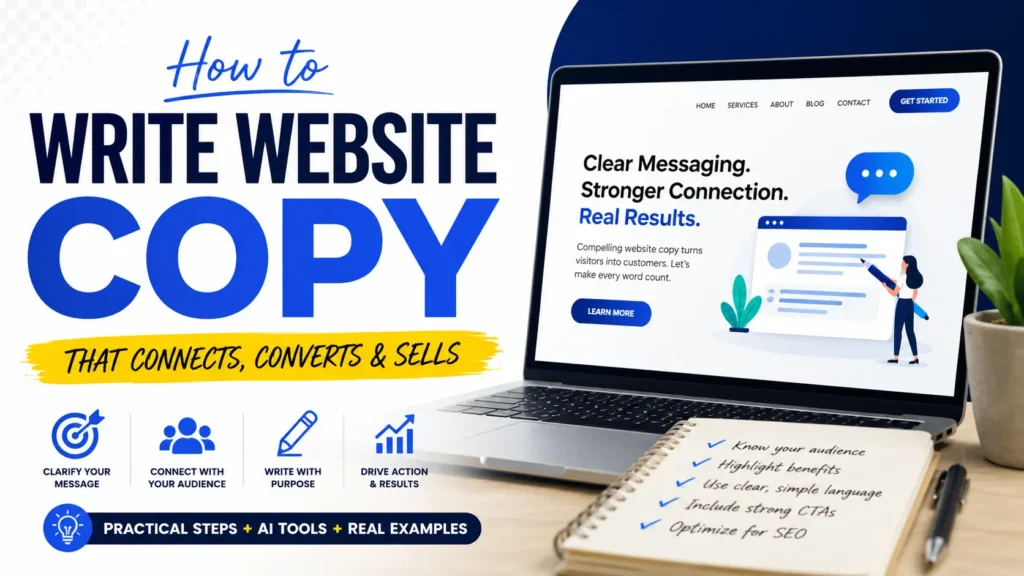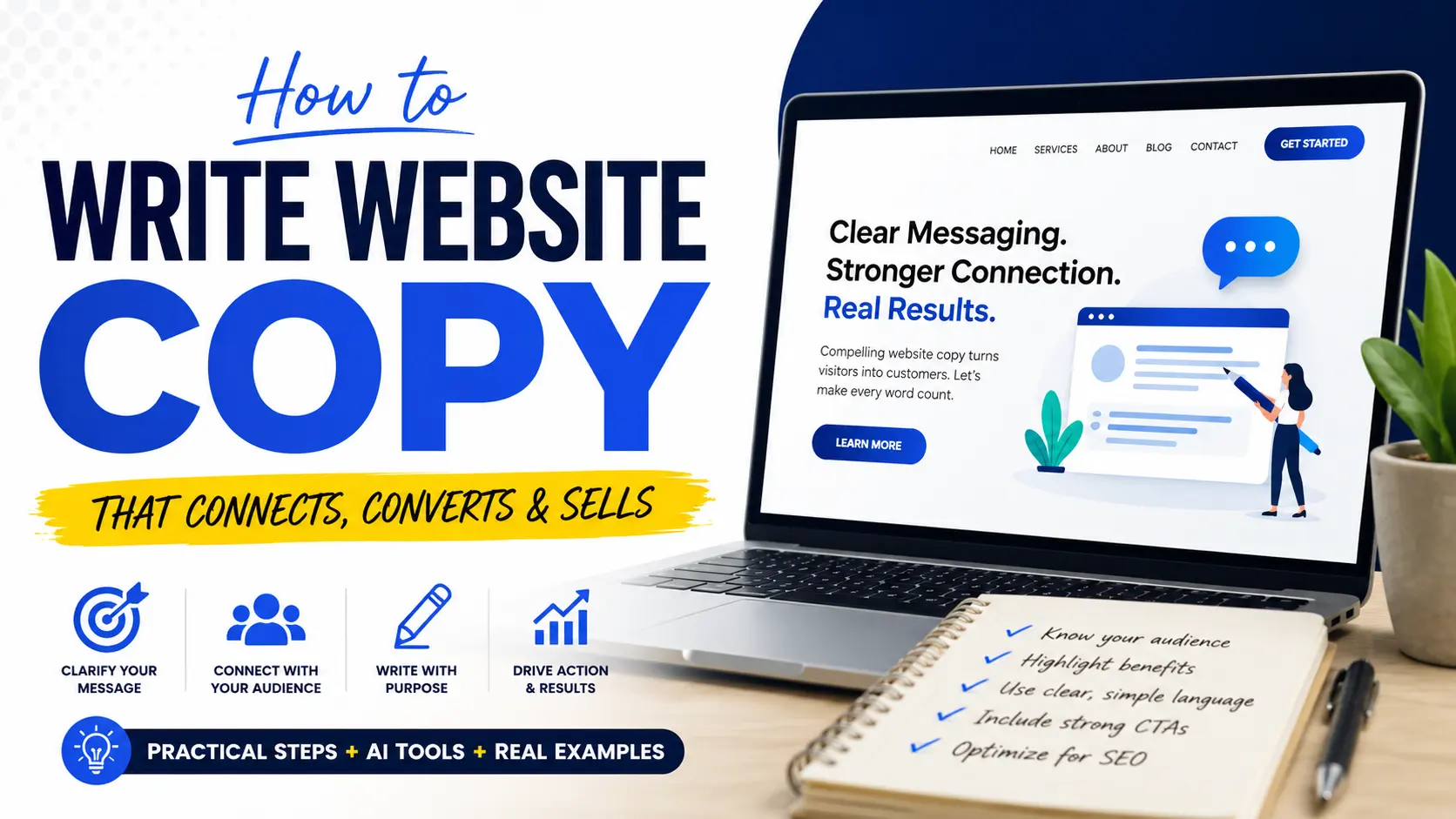
Learning how to write website copy means learning how to guide a visitor from confusion to a clear next step. Effective copy identifies the reader, explains the problem, presents a relevant solution, supports its claims with proof, and asks for an appropriate action. This guide shows you how to research your audience, organize each page, write stronger headlines, explain benefits, handle objections, use AI responsibly, and optimize your words for search engines and real people. You will also find page-by-page templates, a B2B example, an SEO checklist, and practical editing questions.
Quick Answer: How to Write Website Copy
Use this eight-step process:
- Decide what one action the page should produce.
- Define the specific reader the page is addressing.
- Collect the reader’s problems, desired outcomes, questions, and objections.
- Write a clear value proposition.
- Arrange the message before drafting complete paragraphs.
- Add proof where a reader may hesitate.
- write a specific and relevant call to action.
- Edit for clarity, credibility, search intent, accessibility, and flow.
Good website copy does not need to sound impressive. It needs to make the right reader feel understood and confident about what to do next.
What Is Website Copy?
Website copy is the persuasive and functional text used across a website. It includes headlines, navigation labels, service descriptions, product information, calls to action, form instructions, testimonials, button labels, and short messages around important decisions.
Copy and content often overlap, but their primary jobs differ. Copy usually encourages an action, while content usually educates, informs, or attracts an audience. A service page is mainly copy. A tutorial explaining how that service works is mainly content.
The distinction matters because a page written only to inform may never ask for an action. A page written only to sell may fail to answer the questions visitors need resolved before they can act.
Research Before You Start Writing
The quality of your research limits the quality of your copy. Before opening a blank document, collect enough information to answer five questions.
Who Is the Page For?
Avoid broad descriptions such as “business owners” or “people who need marketing.” Define a more useful reader:
- Owners of local dental practices with inconsistent appointment bookings
- Ecommerce managers trying to reduce abandoned carts
- Operations directors comparing inventory-management platforms
- Parents looking for an affordable online mathematics tutor
A narrow description helps you choose relevant problems, examples, proof, and vocabulary.
What Problem Is the Reader Trying to Solve?
Describe the situation as the reader experiences it. Do not immediately translate it into your product category.
A customer may not think, “I need conversion-rate optimization.” They may think, “People visit our product pages but leave without buying.”
Use interviews, sales calls, support messages, reviews, surveys, search queries, and customer emails to find this language. Do not invent quotes or pretend a phrase came from a customer when it did not.

What Outcome Does the Reader Want?
A useful outcome is more specific than “success,” “growth,” or “better results.”
Examples include:
- Receive more qualified appointment requests
- Reduce the time spent preparing monthly reports
- Understand project costs before approving work
- Find the correct product without contacting support
Your copy should connect the offer to this outcome without promising results you cannot support.
Why Might the Reader Hesitate?
Common objections involve price, effort, risk, timing, implementation, trust, compatibility, and uncertainty about results.
Record each objection beside the section where it is most likely to appear. Addressing the right concern at the right moment is more helpful than placing every reassurance near the bottom of the page.
What Proof Can You Use?
Proof may include verified testimonials, named clients, product demonstrations, certifications, case studies, screenshots, transparent processes, guarantees, qualifications, or clearly explained limitations.
Use only evidence you can substantiate. A precise, modest claim supported by evidence is stronger than a dramatic claim with no proof.
The Website Copy Message Formula
A simple message sequence can prevent your page from becoming a collection of unrelated slogans:
Reader + Problem + Desired outcome + Solution + Proof + Next step
Here is how the sequence works:
| Element | Question to Answer |
|---|---|
| Reader | Who is this page for? |
| Problem | What is making their current situation difficult? |
| Desired outcome | What do they want to improve or achieve? |
| Solution | How does the offer help? |
| Proof | Why should they believe the claim? |
| Next step | What should they do now? |
This is not a rigid paragraph formula. It is a check that ensures the page contains the information needed to support a decision.
Worked B2B Example
Imagine a reporting platform for multi-location retail businesses.
Vague version:
Transform your business with our innovative reporting solution.
This statement does not identify the user, problem, function, or result.
Stronger version:
See sales, stock, and store performance in one reporting dashboard—without combining spreadsheets from every location.
The revised version identifies the practical task, shows what the product combines, and removes a familiar source of work.
A supporting line could add the audience and outcome:
Built for retail operations teams that need faster weekly reporting and a consistent view across every store.
The page can then introduce proof, integrations, implementation details, and a product demonstration.
How to Write Website Copy Step by Step
1. Give Every Page One Primary Goal
A page may contain several links, but it should have one main job.
A homepage may direct visitors to the correct service. A service page may generate quote requests. A product page may encourage a purchase. A contact page may help a qualified visitor send the right information.
Write the goal at the top of your working document:
After reading this page, the right visitor should ______.
If you cannot complete that sentence clearly, the page is not ready to be drafted.
2. Build a Message Hierarchy
Arrange the page as a sequence of decisions rather than writing paragraphs immediately.
A typical hierarchy looks like this:
- What is this?
- Is it for someone like me?
- What problem does it solve?
- What result can it help me reach?
- How does it work?
- Why should I trust it?
- What does it cost or require?
- What should I do next?
Not every page needs all eight questions. The order should reflect what your reader needs to know before acting.
3. Write the Hero Section
The first screen should help visitors understand the page quickly.
A practical hero section contains:
- A specific headline
- A supporting sentence
- One primary call to action
- Optional proof or qualification
A useful headline often communicates the audience, outcome, offer, or differentiator.
Weak headline:
Solutions Designed for Your Success
Stronger headline:
Bookkeeping for Independent Restaurants That Need Clear Weekly Numbers
The second headline may sound less creative, but it gives the visitor useful information.
4. Translate Features Into Benefits
A feature describes what the product or service includes. A benefit explains why that feature matters.
| Feature | Reader Benefit |
| Automated weekly reports | Spend less time assembling recurring updates |
| Same-day appointment slots | Get help without waiting several days |
| Version history | Restore an earlier draft when a change goes wrong |
| Fixed project milestones | Know what will be delivered at each stage |
Do not remove important features. Connect each important feature to a task, problem, or outcome the reader recognizes.
5. Make the Reader the Main Character
Company history, awards, methods, and credentials can support trust, but they should not dominate the opening message.
Compare these two approaches:
Company-first:
We are a passionate team with 15 years of experience delivering outstanding digital solutions.
Reader-first:
Replace a slow, confusing website with a faster experience that helps customers find the right service and contact your team.
The second version begins with the change the reader wants. Experience and credentials can follow as evidence.
6. Add Proof Near Important Claims
Do not place every testimonial in one isolated block if a claim needs support earlier.
After discussing implementation, add a customer comment about implementation. After explaining a measurable outcome, link to the relevant case study. Near pricing, clarify what is included and whether additional charges may apply.
Proof is most useful when it answers the doubt created by the claim beside it.
7. Address Objections Directly
Good copy does not pretend the reader has no concerns.
A software service might answer:
- How long setup takes
- Whether existing data can be imported
- Which platforms are supported
- What training is included
- How cancellation works
A local service might answer:
- Which areas are covered
- Whether estimates are free
- Who supplies materials
- How scheduling works
- What happens when the scope changes
Clear answers reduce uncertainty more effectively than repeated claims that the service is trustworthy or convenient.
8. Write a Specific Call to Action
Button copy should describe a meaningful next step.
Weak CTAs include:
- Submit
- Learn more
- Get started
These are not always wrong, but they often provide little context.
More specific alternatives include:
- Request a project estimate
- Compare available plans
- Book a 20-minute consultation
- Check appointment availability
- Create your first report
The surrounding sentence should explain what happens after the click, especially when the action requires personal information, payment, or a sales conversation.
How to Write Website Copy for SEO
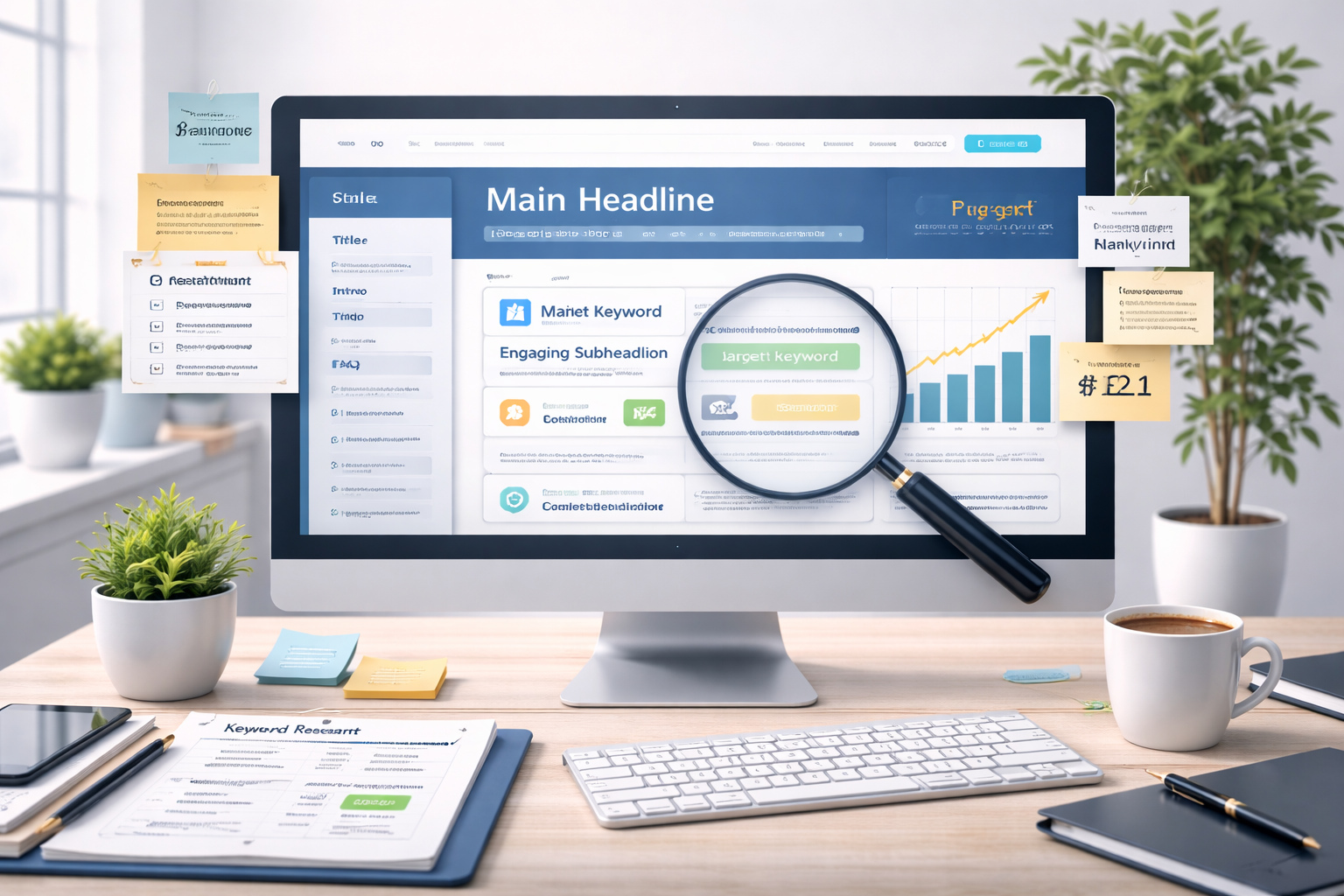
A common question today is how to write website copy for SEO without making it sound robotic. The answer is simple. We write for humans first and optimize with care. Search engines now understand meaning much better than before, so forced keyword stuffing does more harm than good.
Instead, use your main topic naturally throughout the page. Include related phrases where they fit, such as how to write website copy that converts, how to write good website copy, how to write website copy, and how to write web copy. Cover the topic in a complete way. Answer related questions. Keep the language natural.
Strong SEO copy also matches search intent. Someone looking for How To Write Website Copy That Converts Visitors Into Customers wants practical guidance, not empty theory. They want examples, structure, and advice that feels immediately useful.
How to Use ChatGPT and AI to Write Website Copy
A lot of people now search for how to write website copy with ChatGPT, how to write website copy with AI, and how to use AI to write website copy. AI can be very useful, but it works best as a helper, not as the final voice.
We can use AI to generate ideas, create rough outlines, rewrite weak sentences, or help organize page sections. But if the final copy is going to convert, it still needs human judgment. It needs a real brand voice, clear audience understanding, and careful editing.
That is why how to use ChatGPT to write website copy should be approached with balance. Use it to speed up the process, but do not rely on it for final quality. Readers can feel the difference between generic content and well-edited, human-centred copy.

What to Write on Each Website Page
Homepage
Your homepage should orient different visitors and direct them toward the right path.
Include:
- A clear summary of what you offer
- The main audience or use case
- Core services or product categories
- Important differentiators
- Selected proof
- Links to detailed pages
- A primary next step
Do not force the homepage to explain every detail. Its main job is usually to provide clarity and direction.
About Page
An about page should connect your background to the reader’s decision.
Include:
- Why the business exists
- Relevant expertise or experience
- How your approach affects the customer
- The people behind the work
- Verifiable credentials or values
- A next step
Avoid writing a long autobiography that never explains why the history matters to the customer.
Service Page
A service page should answer:
- Who the service is for
- What problem it addresses
- What is included
- How the process works
- Expected responsibilities and limitations
- Evidence of capability
- Pricing or quotation details where appropriate
- How to enquire
Create separate service pages when services satisfy genuinely different intentions. Do not create near-duplicate pages merely by changing a keyword or location.
Product Page
A product page needs accurate specifications as well as persuasive copy.
Include:
- Product name and primary benefit
- Images or demonstrations
- Features and specifications
- Use cases
- Compatibility, size, material, or care information
- Delivery and return details
- Reviews or other proof
- Purchase action
Do not hide information that could materially affect the buying decision.
Landing Page
A landing page normally supports one campaign and one conversion action.
Keep the message aligned with the advertisement, email, social post, or search query that sent the visitor. Remove secondary navigation when it distracts from the campaign goal, but retain essential trust, accessibility, privacy, and legal information.
Contact Page
A contact page should reduce uncertainty about getting in touch.
Explain:
- Which enquiries the form handles
- What information the visitor should provide
- Expected response process
- Alternative contact methods
- Business hours or service areas
- Emergency limitations where relevant
Replace a generic “Send” button with wording that reflects the enquiry.
How to Write B2B Website Copy That Converts
B2B copy often serves several decision-makers. The daily user, department manager, financial approver, technical reviewer, and executive sponsor may care about different issues.
Build the page around the shared business problem, then create sections for major decision concerns:
- Operational benefit
- Implementation requirements
- Security or compatibility
- Cost and commercial value
- Support and training
- Evidence from similar organizations
Avoid filling the page with internal terminology. Explain technical details accurately, but connect them to operational consequences.
For example:
Feature-only statement:
Role-based access control and SSO integration are included.
Decision-focused version:
Give each team the access it needs while letting employees sign in through your existing identity provider.
The technical feature remains visible, but the reader also understands why it matters.
How to Use AI or ChatGPT to Write Website Copy
AI can help organize research, generate alternatives, identify repetition, and produce early drafts. It should not invent customer evidence, product capabilities, legal claims, prices, guarantees, or first-hand experience.
Good results depend on clear instructions, relevant context, a defined format, and iterative refinement rather than one broad request. Official OpenAI guidance similarly recommends specific prompts, sufficient context, defined tone, and repeated refinement.
Use a prompt such as:
You are helping draft a service page for [business type].
The page is for [specific audience].
Their main problem is [problem].
They want [desired outcome].
The service includes [verified details].
Available proof includes [verified proof].
The primary action is [CTA].First, identify missing information. Do not invent facts. Then create a page outline containing a headline, supporting line, problem section, service explanation, process, proof placement, objection section, and call to action. Use a [tone] tone and avoid unsupported promises.
After reviewing the outline, draft one section at a time. Compare every claim with your source material and rewrite generic language in your brand’s natural voice.
How to Write Website Copy for SEO
SEO copy should satisfy the page’s search intent without weakening its sales message.
Use one clear primary topic for each page. Include the main phrase naturally in the title, main heading, introduction, and relevant subheadings when those placements accurately describe the content. Add related language because it helps explain the subject, not because you are targeting a density score.
Google recommends clear, unique titles, useful page content, descriptive links, and concise summaries. It also classifies unnatural phrase repetition as keyword stuffing.
Use this checklist:
- Match the page to a specific search intention.
- Give the page a unique title and H1.
- Answer the main question early.
- Use descriptive H2 and H3 headings.
- Add relevant internal links with meaningful anchor text.
- Write a concise meta description.
- Use accurate image alternative text.
- Keep important information visible and easy to find.
- Avoid repeating the same keyword unnaturally.
- Check that the page adds value beyond existing pages.
Once the title is approved, the Title Case Converter can standardize its capitalization. The URL Slug Generator can then turn the final title or keyword into a clean slug. Review both outputs manually before publishing.
Our Tools That Help in Writing
If you are working on titles, blog structure, or SEO content ideas, these tools on our site can help speed up the process and improve quality.
Our Essay Title Generator helps you create stronger title ideas when you are planning blog posts, landing pages, or resource content. This is especially useful when you want better angles for pages about how to write website copy that converts or similar topics.
Make Your Copy Easy to Scan and Access
Headings should communicate meaning, not simply divide text into decorative blocks. Link wording should describe the destination, instructions should be clear, and useful images should have meaningful alternative text. These practices make pages easier to navigate for both visual readers and people using assistive technology.
Keep paragraphs focused. Use lists for genuine sequences or groups. Place explanatory text near forms, prices, buttons, and claims that could otherwise be misunderstood.
If your approved copy is written in Markdown, the Markdown to HTML Converter can prepare basic HTML for a CMS or development workflow. Always preview the resulting page and confirm that headings, links, lists, and emphasis were converted correctly.
Common Website Copy Mistakes
| Mistake | Why It Causes Problems | Better Approach |
| Vague headline | Visitors cannot identify the offer or audience | Name the service, task, audience, or outcome |
| Writing for everyone | The message becomes generic | Choose a primary reader and use case |
| Listing features only | Readers must work out the value themselves | Connect features to tasks and outcomes |
| Company story first | The visitor’s immediate question remains unanswered | Lead with the reader’s situation |
| Unsupported superlatives | “Best” and “leading” claims weaken credibility | Use verifiable evidence |
| Multiple competing CTAs | The next step becomes unclear | Select one primary page action |
| Keyword repetition | Copy becomes awkward and may resemble keyword stuffing | Use natural topic language |
| Publishing an AI draft unchanged | Facts, tone, and differentiation may be weak | Verify and rewrite every section |
| Ignoring design constraints | Important messages may be buried or separated from proof | Develop copy and layout together |
| Hiding limitations | Customers may feel misled later | Explain material conditions clearly |
Final Website Copy Editing Checklist
Before publishing, review the page in five passes.
Clarity Pass
- Can a new visitor explain the offer after reading the first screen?
- Does every heading communicate useful information?
- Can a shorter, simpler word replace a vague phrase?
- Does each paragraph have one main purpose?
Reader Pass
- Is the intended reader obvious?
- Does the page use problems and outcomes the reader recognizes?
- Is the company discussed only where it supports the decision?
- Are important objections answered?
Credibility Pass
- Can every factual claim be verified?
- Is proof placed near the claim it supports?
- Are testimonials authentic and accurately represented?
- Are limitations and conditions visible?
Conversion Pass
- Does the page have one primary action?
- Does the CTA explain what happens next?
- Is the action repeated where a ready visitor may need it?
- Have unnecessary distractions been removed?
SEO and Accessibility Pass
- Does the page match the intended search query?
- Are the title, H1, and description unique?
- Are headings nested logically?
- Is anchor text descriptive?
- Do informative images have useful alternative text?
- Can someone understand forms and buttons without guessing?
After publication, the Keyword Rank Checker can check the domain against selected target queries and show the detected ranking URL and position. Rankings alone do not measure copy quality, so review enquiries, sales, form completion, and user feedback as well.
Should You Write the Copy Yourself or Hire a Copywriter?
DIY copy may be appropriate when the offer is simple, the budget is limited, and you have direct access to customers and product information.
Professional help becomes more valuable when:
- The offer is difficult to explain
- Several stakeholders must approve the message
- The website supports a major launch
- Existing traffic is not producing enough qualified action
- The business operates in a regulated field
- Research, interviews, testing, or positioning work is required
- Internal teams cannot agree on the value proposition
Hiring a writer does not remove the need for business input. The writer still needs accurate product details, customer research, evidence, constraints, and timely feedback.
Limitations and Responsible Use
No copy formula guarantees rankings, enquiries, or sales. Performance also depends on offer quality, pricing, traffic relevance, design, usability, technical performance, competition, reputation, and the buying process.
Health, legal, financial, tax, safety, and regulated-industry pages may require review by an appropriately qualified professional. Copywriting should never be used to disguise risk, omit material conditions, or make claims that the business cannot support.
Start With One Page and One Decision
To write website copy effectively, begin with one reader, one page goal, and one meaningful next step. Research the reader’s language before drafting, organize the message before polishing sentences, and support important claims with relevant proof.
Your first version does not need to sound clever. It needs to be accurate and understandable. Once the structure is working, you can improve voice, rhythm, formatting, SEO, and design without losing the message.
Frequently Asked Questions
What is website copy?
Website copy is the persuasive and functional text used on pages such as the homepage, about page, service pages, product pages, landing pages, and contact page. It includes headlines, body text, calls to action, navigation wording, form instructions, and other text that helps visitors understand an offer and take an appropriate action.
How long does it take to write website copy?
The time depends on the number of pages, research requirements, complexity of the offer, available evidence, and approval process. A first draft may be produced quickly, but research, stakeholder feedback, fact-checking, and revision often require more effort than the initial writing. Plan time for at least one structural edit and one line-level edit.
How much copy should a homepage contain?
A homepage should contain enough copy to identify the business, orient the visitor, present the main offer, build initial trust, and direct people to relevant pages. There is no universal word count. A simple business may need a concise page, while a complex offer may require more explanation, proof, and navigation choices.
Can ChatGPT write website copy?
ChatGPT can assist with research organization, outlines, headline alternatives, draft sections, and editing. It still needs accurate source material, clear instructions, and human review. Verify every claim, remove invented details, add genuine customer language, and rewrite generic passages before publishing the copy.
How do you write B2B website copy that converts?
Start with the operational or commercial problem shared by the buying group. Explain the outcome, implementation, compatibility, support, risk, and evidence needed by different decision-makers. Avoid jargon that hides meaning, but include accurate technical details where they affect security, procurement, integration, cost, or adoption.
What is the difference between SEO copy and sales copy?
SEO copy helps a page match a relevant search intention and become understandable to search engines. Sales copy helps a reader evaluate an offer and take action. Effective website copy usually needs both: it should answer the searcher’s question while also explaining the offer, evidence, conditions, and next step.
Should website copy be written before the design?
The core message and page hierarchy should usually be established before detailed visual design. Copy determines which sections, proof elements, forms, and calls to action the layout must support. Copy and design can then be refined together so that important words are not forced into unsuitable templates or buried by decorative elements.
Useful Copywriting, SEO & Formatting Tools
If you are learning how to write website copy that converts, these related tools can help with SEO-friendly titles, clean URLs, text formatting, and online business content.
- Title Case Converter – format headings, page titles, and marketing copy with clean capitalization.
- URL Slug Generator – turn page titles and service names into clean SEO-friendly URLs.
- SERP Keyword Rank Checker – check keyword positions and monitor search visibility.
- Company Name Generator – create brand-style names for businesses, projects, and online ideas.