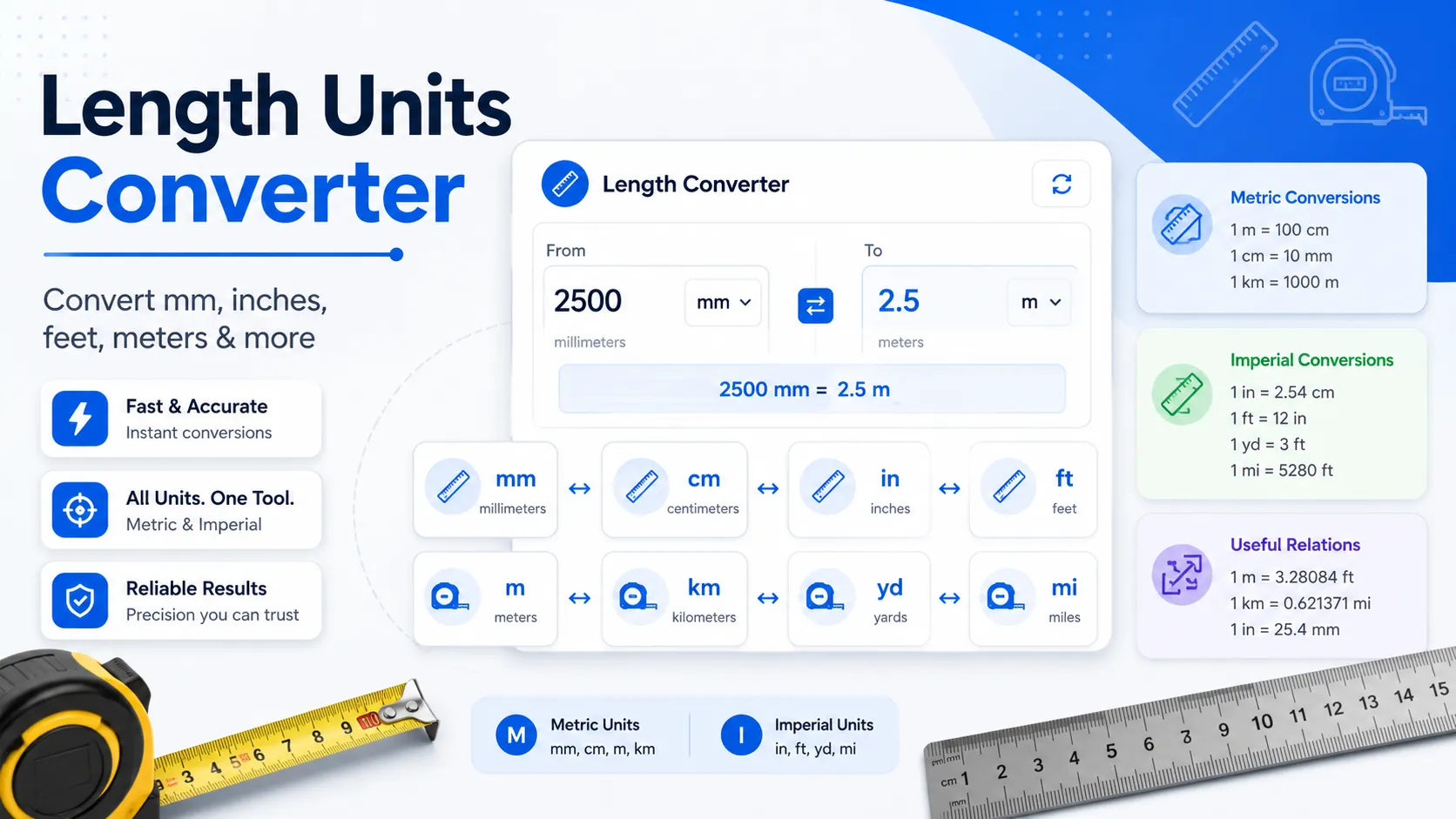
Instead of calculating every value by hand, enter your number, choose the correct conversion section, and press the convert button. The tool gives a clear result with the matching unit, making it useful for students, teachers, builders, designers, engineers, and everyday users.
Quick Answer
A Length Units Converter is an online tool that changes one unit of length into another, such as millimeters to inches, feet to meters, or kilometers to miles.
It is useful when you need fast length conversions for homework, physics problems, construction measurements, product dimensions, travel distances, or general calculations.
Enter the value, click convert, and view the result instantly in the output box.
What Is This Length Units Converter?
This Length Units Converter is a simple online conversion tool that helps you convert unit of length values between metric and customary measurement systems. You can use it to calculate, compare, and understand different length units without memorizing every formula.
The screenshot shows multiple conversion categories, including inches conversions, feet conversions, meters conversions, centimeter conversions, millimeter conversions, kilometer conversions, yards conversions, and miles conversions. The millimeter conversions tab is currently highlighted, which means users can convert millimeters into other units directly.
Visible conversion cards include millimeters to inches, millimeters to centimeters, millimeters to feet, and millimeters to kilometers. Each card has an input field, a blue convert button, a result box, and a formula line. This layout makes the tool easy to understand even for beginners.
You can use this tool whenever you need an online unit converter length calculator for quick answers. It removes the need to open a separate length conversion chart or search every single conversion on Google.
How to Use the Length Units Converter
Using this tool is simple. The visible interface is designed with clear conversion tabs, input boxes, convert buttons, result areas, and formula notes. Follow these steps to convert units of length accurately.
Step 1: Choose the Conversion Category
At the top of the tool, you can see different unit categories. These include inches conversions, feet conversions, meters conversions, centimeter conversions, millimeter conversions, kilometer conversions, yards conversions, and miles conversions.
Select the category that matches your starting unit. For example, if your value is in millimeters, choose the millimeter conversions section. In the screenshot, the millimeter conversions tab is active and highlighted in blue.
Step 2: Select the Exact Conversion Card
After choosing the category, find the conversion card you need. For millimeters, the visible cards include millimeters to inches, millimeters to centimeters, millimeters to feet, and millimeters to kilometers.
Each card is separate, so you do not need to change dropdowns or settings. This helps you quickly convert length units to mm, inches, feet, centimeters, meters, kilometers, yards, or miles depending on the available section.
Step 3: Enter Your Length Value
Click inside the input field. The screenshot shows placeholder text such as “Enter mm,” which tells you to type the length value in millimeters.
Use numbers only unless the tool allows decimals. For example, you can enter 10, 25.5, 100, or 5280 depending on the conversion you need. Make sure the value belongs to the starting unit shown on the card.
Step 4: Click the Convert Button
After entering the value, click the blue Convert button. The tool will calculate the conversion and display the answer in the result box below the button.
The visible result boxes show examples such as 0 in, 0 cm, 0 ft, and 0 km before a value is entered. After conversion, this area updates with your final result.
Step 5: Check the Formula
Each visible conversion card also shows the formula used for the calculation. This is helpful for students, teachers, and anyone who wants to understand how the answer is calculated.
For example, the millimeters to inches card shows the formula with a multiplication factor. This makes the tool useful not only as a calculator but also as a learning support for converting metric length units and customary units.
Key Features of This Unit of Length Converter
Multiple Length Conversion Categories
The tool provides separate conversion categories for inches, feet, meters, centimeters, millimeters, kilometers, yards, and miles. This helps users move between metric and customary units without confusion.
Simple Input Fields
Each conversion card has a clear input field such as “Enter mm.” This tells users exactly which unit they should enter before converting. Clear input labels reduce mistakes and make the tool beginner-friendly.
One-Click Convert Button
The blue convert button makes the action clear. Users do not need to follow complicated steps, open a length conversion chart, or calculate values manually.
Instant Result Box
The result appears directly under the convert button. This makes it easy to read the converted value without scanning the whole page or looking through long tables.
Visible Conversion Formulas
The formula section helps users understand the logic behind each result. This is useful for physics, math homework, engineering notes, and practical measurements.
Metric and Customary Length Support
The tool supports both metric units and customary units. This is helpful when converting metric units of length, converting customary units of length, or comparing measurements between different systems.
Why Use This Length Units Converter?
Manual length conversion can be slow, especially when you are working with several values. A small mistake in a decimal point can change the final result. This Length Units Converter helps reduce manual work and gives quick answers based on the selected conversion formula.
It is also helpful when you need to compare and convert metric units of length with customary units. For example, you may need to convert millimeters to inches for product sizing, feet to meters for a physics question, or yards to feet for a distance calculation.
Many people search for a length converter Google result just to solve one quick problem. This tool gives a focused conversion experience because the fields, buttons, formulas, and result boxes are already arranged for length measurements.
It can also support learning. Students can use the formula line to understand how the answer is produced, while professionals can use the instant output to save time during routine measurement checks.
Length Conversion Formulas Used in the Tool
The visible millimeter conversion cards show simple multiplication formulas. These formulas multiply the entered value by a fixed conversion factor.
Millimeters to Inches: in = mm × 0.0393701
Millimeters to Centimeters: cm = mm × 0.1
Millimeters to Feet: ft = mm × 0.00328084
Millimeters to Kilometers: km = mm × 0.000001
These formulas make the tool transparent. You can see the mathematical relationship between the original unit and the converted unit instead of only seeing the final number.
Practical Example
Suppose you have a product width of 250 millimeters and want to know the size in inches. You can open the millimeter conversions section, find the millimeters to inches card, enter 250 in the “Enter mm” input field, and click convert.
The tool uses this formula:
in = mm × 0.0393701
So the calculation becomes:
250 × 0.0393701 = 9.842525 inches
This means 250 mm is about 9.84 inches. This type of quick conversion is helpful for product dimensions, print layouts, furniture measurements, classroom work, and technical notes.
Who Can Use This Tool?
This unit converter length calculator is useful for many users because length measurements appear in school, work, home projects, and technical tasks.
Students and Teachers
Students can use the tool for math, science, and physics questions. Teachers can use it to explain how to convert metric units of length or customary units in a clear way.
Engineers and Technicians
Engineering and technical work often involves millimeters, meters, feet, and inches. This tool helps users check values quickly before using them in a drawing, report, or calculation.
Builders and Homeowners
Construction, renovation, and DIY tasks often require converting between feet, inches, meters, and millimeters. The tool can simplify quick measurement checks.
Designers and Product Sellers
Designers, manufacturers, and online sellers often need to convert product dimensions for listings, labels, packaging, and international customers.
General Users
Anyone can use the tool to convert length units online, whether they are checking travel distances, room sizes, product dimensions, or homework values.
When Should You Use a Length Conversion Chart?
A length conversion chart is useful when you want to see many unit relationships at once. However, a chart still requires you to find the correct factor and multiply the value yourself.
This Length Units Converter is better when you want a direct answer. You enter the value, click convert, and get the result immediately. The formula is still shown, so you can learn from the calculation without doing every step manually.
Common Mistakes to Avoid
Entering the Wrong Starting Unit
Make sure your value matches the input field. If the card says “Enter mm,” enter a millimeter value, not inches or feet. Using the wrong starting unit will give the wrong result.
Choosing the Wrong Conversion Card
Check the card title before clicking convert. Millimeters to inches and millimeters to centimeters are different conversions, even if the same input value is used.
Ignoring Decimal Places
Some conversions create decimal results. Avoid rounding too early if you need a precise value for school, design, engineering, or product dimensions.
Confusing Length With Area or Volume
Length measures one dimension, such as distance or height. Area measures surface size, and volume measures space. Do not use a length unit converter for area converter or volume converter tasks.
Using Estimates as Final Technical Values
The tool gives fast calculations based on formulas. For critical technical, construction, or engineering work, always verify the value according to your project standards.
Helpful Tips for Better Results
Always read the conversion card title before entering your number. This helps you avoid converting the right value into the wrong unit.
Use decimal values when needed. For example, 18.50 ft is different from 18 ft, so enter the full value if your measurement includes decimals.
Check the formula line if you are learning how to convert units of length. It helps you understand the conversion factor and improves your confidence.
For repeated conversions, keep the correct category open. If you are working with millimeters, use the millimeter conversions section instead of switching between unrelated tabs.
Use the result as a quick guide, but verify important measurements before cutting materials, submitting technical work, or finalizing product specifications.
Limitations of the Length Units Converter
This tool converts length values based on fixed formulas. It cannot decide whether your original measurement is correct. The accuracy of the result depends on the number you enter and the conversion card you choose.
The tool is made for length units, not area, volume, weight, liquid capacity, density, or mass per unit length. For those tasks, you should use a specific area converter, volume converter, weight converter, or scientific calculator.
Some results may include decimals. Rounding can make results easier to read, but it may also reduce precision. Use full values when accuracy matters.
The tool is helpful for everyday calculations, learning, comparison, and quick conversions. For professional engineering, legal, medical, or safety-critical use, confirm measurements with the required official standard or project documentation.
Conclusion
This Length Units Converter makes it easier to convert length units online without memorizing every formula. You can enter a value, choose the correct conversion card, click convert, and view the result instantly.
Whether you need length units converter to mm, inches, feet, meters, kilometers, yards, centimeters, or miles, this tool helps save time and reduce manual calculation errors. Use it whenever you need a quick, clear, and beginner-friendly unit of length conversion.
FAQs
What is a Length Units Converter?
A Length Units Converter is an online tool that converts one length unit into another. It can help you convert values such as millimeters to inches, feet to meters, centimeters to millimeters, or kilometers to miles.
How do you convert unit of length values?
To convert unit of length values, multiply the original number by the correct conversion factor. This tool does that calculation automatically after you enter a value and click the convert button.
Can I use this tool for converting metric units of length?
Yes. You can use this tool for converting metric length units such as millimeters, centimeters, meters, and kilometers. Choose the correct metric conversion section and enter your value.
Can I convert customary units of length with this tool?
Yes. The tool includes customary units such as inches, feet, yards, and miles. It is useful for converting customary units of length and comparing them with metric units.
Is this the same as a length conversion chart?
No. A length conversion chart shows conversion factors, while this tool calculates the result for you. The tool is faster when you need a direct answer, but the formula line still helps you learn the method.
Can I convert 18.50 ft to the SI unit for length?
Yes. The SI unit for length is the meter. To convert feet to meters, use the feet to meters conversion section if available and enter 18.50 as the value.
Can this tool convert area, weight, or volume units?
No. This tool is designed for length conversions only. For area, weight, liquid volume, or mixed unit conversions, use a dedicated converter for that measurement type.
Useful Length & Distance Conversion Tools
If you are using the Length Units Converter Tool, these related converters can help with feet, meters, kilometers, miles, and screen-based measurement conversions.
- Meters to Feet Converter – quickly convert meters into feet for everyday measurements.
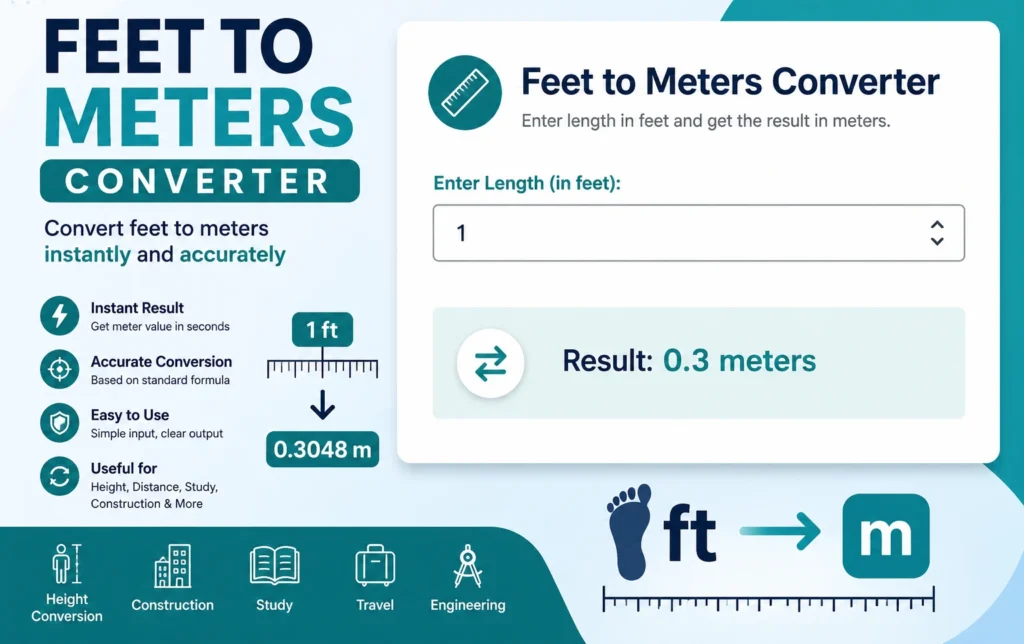
- Feet to Meters Converter – convert feet into meters for metric unit comparisons.
- KM to Miles Converter – convert kilometers into miles for travel and distance checks.
- Online Ruler – measure cm, mm, and inches directly on screen.