Quick Answer
A 4-20mA Calculator converts a standard 4-20 milliamp signal into an engineering value, or converts an engineering value back into the expected mA signal.
In a standard linear 4-20mA loop, 4 mA = 0% of the process range and 20 mA = 100% of the process range.
The calculator uses the process minimum, process maximum, and measured current or process value to scale the result accurately.
What Is This 4-20mA Calculator?
This 4-20mA Calculator is an online signal scaling tool for industrial instruments. It helps you convert a current loop signal into a process value, or calculate the expected current output from a known process value.
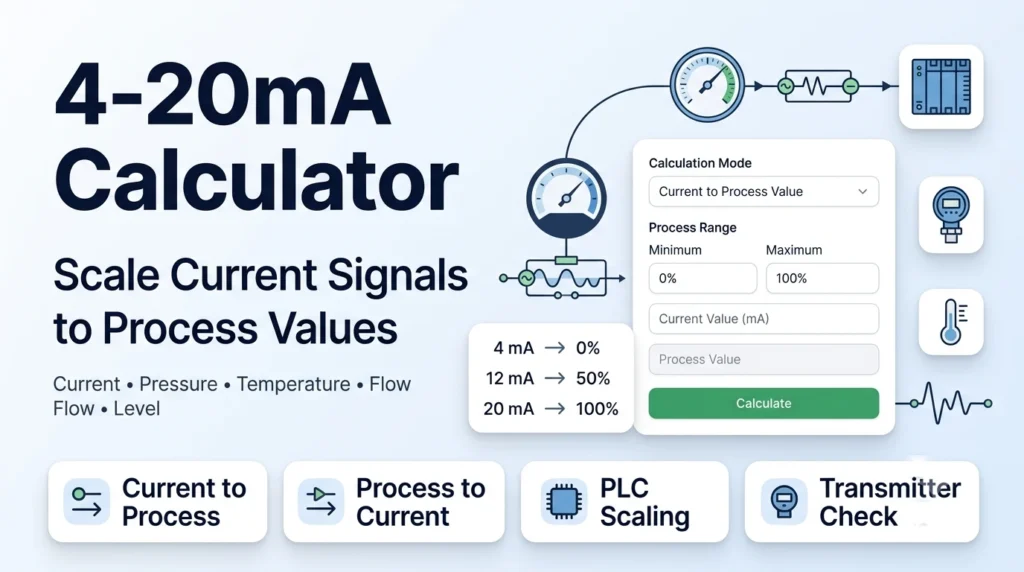
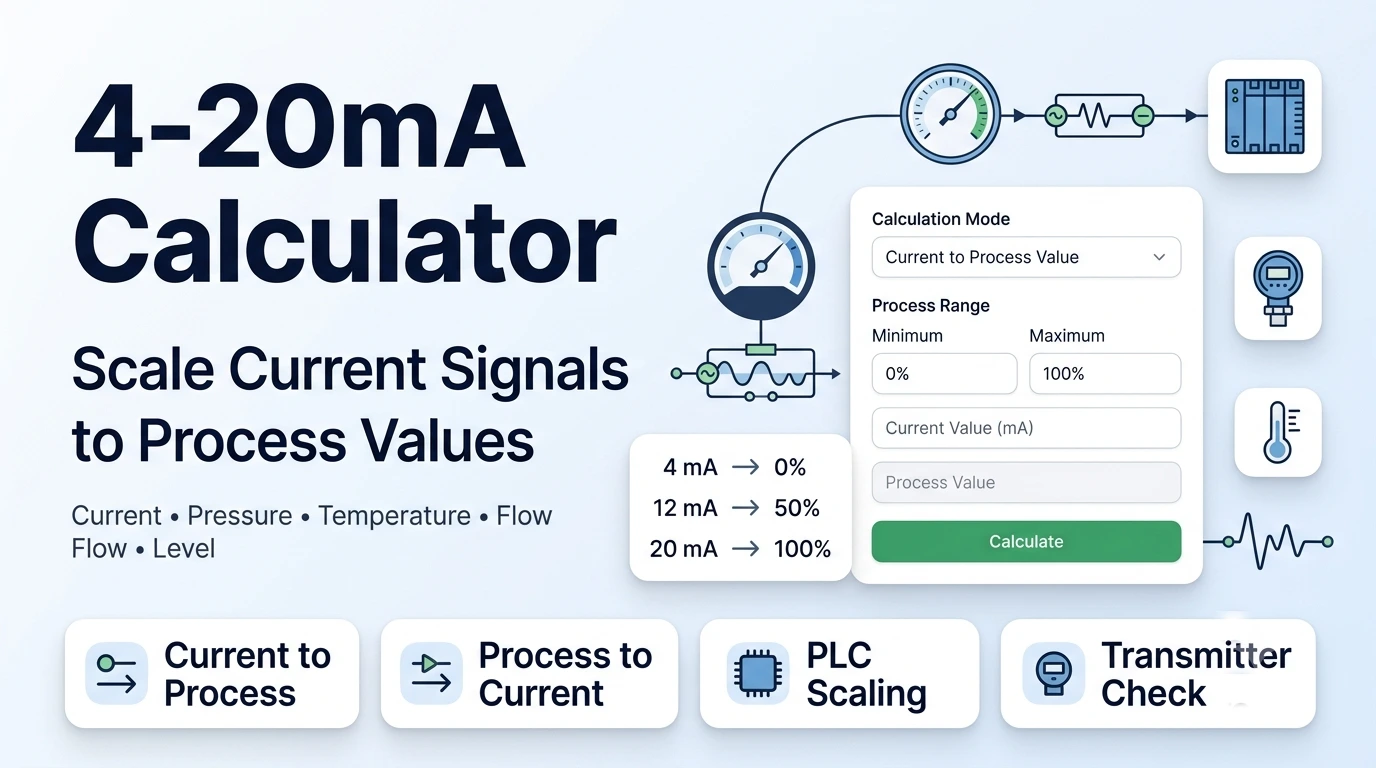
The screenshot shows a clean calculator layout with a Calculation Mode dropdown, Process Range fields for minimum and maximum, a Current Value (mA) input, a Process Value field, a Calculate button, and a result area below the form.
You can use this tool as a 4-20mA scaling calculator, mA to value calculator, pressure transmitter 4-20mA calculator, temperature transmitter 4-20mA calculator, or general analog signal converter.
How Does a 4-20mA Signal Work?
A 4-20mA signal is a common analog current signal used in industrial automation. It sends process information through a current loop, usually from a transmitter to a PLC, controller, indicator, recorder, or control system.
The value 4 mA represents the low end of the process range. This is often called 0%, LRV, or lower range value. The value 20 mA represents the high end of the process range, often called 100%, URV, or upper range value.
The active signal span is 16 mA because 20 mA minus 4 mA equals 16 mA. Values between 4 and 20 mA are normally scaled linearly between the minimum and maximum process range.
How to Use the 4-20mA Calculator
1. Choose the Calculation Mode
Start with the Calculation Mode dropdown. The screenshot shows Current to Process Value selected.
Choose Current to Process Value when you have a measured mA signal and want to calculate the real process value. Choose Process Value to Current when you know the process value and want to calculate the expected mA output.
2. Enter the Process Range
Use the Process Range fields to enter the minimum and maximum values. The minimum field represents 0%, and the maximum field represents 100%.
For example, a pressure transmitter may be ranged from 0 to 100 PSI. A temperature transmitter may be ranged from 0 to 500°C. A level transmitter may be ranged from 0 to 10 metres.
3. Enter the Current Value in mA
If you selected Current to Process Value, enter the measured current in the Current Value (mA) input field. This is where you type values such as 4, 8, 12, 16, or 20 mA.
4. Enter the Process Value When Needed
If you selected Process Value to Current, enter the known process value in the Process Value field. The calculator then scales that value back into the expected 4-20mA signal.
5. Click Calculate
Click the Calculate button. The result area below the button displays the scaled output based on your selected mode and entered values.
4-20mA Current to Process Value Formula
Use this formula when you know the measured current signal and want to calculate the matching process value.
Process Value = Range Min + ((mA − 4) ÷ 16) × (Range Max − Range Min)
The calculator first finds where the current sits across the 4-20mA span, then applies that percentage to the process range.
You can also calculate the span percentage first:
Span % = ((mA − 4) ÷ 16) × 100
The number 16 is used because the active current span is 16 mA, from 4 mA to 20 mA.
Process Value to 4-20mA Formula
Use this formula when you know the process value and want to calculate the expected current signal.
mA = 4 + ((Process Value − Range Min) ÷ (Range Max − Range Min)) × 16
This is useful for checking transmitter output, simulating PLC input values, preparing calibration points, and verifying analog input scaling.
For example, if a pressure transmitter is ranged from 0 to 100 PSI and the process value is 75 PSI, the expected current is 16 mA.
Key Features of This 4-20mA Calculator
Two Calculation Modes
The calculation mode dropdown lets you switch between current-to-process scaling and process-to-current scaling. This makes the tool useful for both field readings and calibration checks.
Process Range Minimum and Maximum
The process range fields let you enter the actual instrument range. This is important because the same 12 mA signal can mean 50 PSI, 250°C, 5 bar, or another value depending on the configured range.
Current Value Input
The current value field lets you enter a measured 4-20mA signal. This is helpful when checking readings from a pressure transmitter, temperature transmitter, flow meter, level transmitter, or analog loop.
Process Value Input
The process value field helps when you want to calculate what current output should appear for a known engineering value. This is useful for loop checks and PLC scaling verification.
Simple Calculate Button
The visible Calculate button makes the tool easy to use. You enter the values, press the button, and read the scaled result without doing manual formula work.
Clear Result Area
The result area below the form gives the calculated output. This helps users quickly compare measured current against expected process values.
Why Use a 4-20mA Scaling Calculator?
A 4-20mA loop is simple, but manual scaling can still cause mistakes. Many errors happen because users treat 4 mA as 4% instead of 0%, or they forget that the live span is 16 mA instead of 20 mA.
This calculator saves time by applying the correct scaling formula automatically. It helps technicians, engineers, electricians, PLC programmers, and students check signals faster and more consistently.
It is also useful during troubleshooting. If a transmitter output is 12 mA, the calculator can quickly show the expected pressure, temperature, level, or flow based on the configured range.
Practical Example: Convert 12 mA to Process Value
Suppose a pressure transmitter is ranged from 0 to 100 PSI, and the measured current is 12 mA.
Use the formula:
Process Value = Range Min + ((mA − 4) ÷ 16) × (Range Max − Range Min)
Now insert the values:
Process Value = 0 + ((12 − 4) ÷ 16) × (100 − 0)
Process Value = 50 PSI
So, 12 mA equals 50 PSI on a 0 to 100 PSI transmitter range.
Practical Example: Convert Process Value to mA
Suppose a temperature transmitter is ranged from 0 to 500°C, and the process value is 375°C.
Use the formula:
mA = 4 + ((Process Value − Range Min) ÷ (Range Max − Range Min)) × 16
Now insert the values:
mA = 4 + ((375 − 0) ÷ (500 − 0)) × 16
mA = 16 mA
So, 375°C equals 16 mA on a 0 to 500°C transmitter range.
4 to 20 mA Chart
This quick chart shows common 4-20mA values and their percentage of span.
| Current Signal | Span Percentage | Meaning |
|---|---|---|
| 4 mA | 0% | Minimum process value |
| 8 mA | 25% | One quarter of range |
| 12 mA | 50% | Half of range |
| 16 mA | 75% | Three quarters of range |
| 20 mA | 100% | Maximum process value |
Where Is a 4-20mA Calculator Used?
This calculator is useful anywhere a linear 4-20mA signal is scaled into an engineering unit. Common examples include pressure transmitters, temperature transmitters, level instruments, flow meters, valve position feedback, speed sensors, and process analyzers.
For pressure work, enter the transmitter pressure range in PSI, bar, kPa, MPa, or another pressure unit. For temperature work, enter the configured temperature range in °C or °F. The calculator uses the same scaling method because it only needs the minimum and maximum process range.
PLC programmers can use the result to check analog input scaling. Field technicians can use it to compare meter readings with control system values. Students can use it to understand 4-20mA calculation formulas and examples.
Who Can Use This Tool?
This 4-20mA Calculator is useful for instrumentation technicians, control engineers, electrical technicians, PLC programmers, maintenance teams, calibration technicians, process engineers, trainers, and students.
It can also help anyone learning how to calculate 4-20mA signals, convert mA to pressure, scale mA to temperature, calculate percentage to 4-20mA, or check analog transmitter output.
Common Mistakes to Avoid
Treating 4 mA as 4%
In a standard 4-20mA loop, 4 mA is 0% of the process range. It is not 4%. The live span starts at 4 mA and ends at 20 mA.
Using 20 Instead of 16 as the Span
The active span is 16 mA because 20 − 4 = 16. Using 20 as the divisor will give the wrong scaled value.
Entering the Wrong Process Range
The process range must match the actual transmitter setup. A 12 mA signal on a 0 to 100 PSI range is not the same as 12 mA on a 0 to 250 PSI range.
Ignoring Out-of-Range Signals
Signals below 4 mA or above 20 mA may indicate a fault, alarm, open loop, overrange condition, or transmitter-specific behavior. Check the device manual before treating them as normal readings.
Using It for Nonlinear Signals
This calculator is designed for standard linear scaling. It may not apply to square root flow extraction, custom curves, 0-20mA signals, or raw sensor calculations.
Helpful Tips
- Confirm the transmitter range before calculating.
- Use the same engineering units for range minimum and maximum.
- Check whether your loop uses linear scaling or a special function.
- Use 4 mA as 0% and 20 mA as 100% for standard live-zero loops.
- Compare the calculator result with the PLC, display, or HMI reading.
- Follow electrical safety rules when measuring live current loops.
Limitations
This tool calculates standard linear 4-20mA scaling. It does not replace a loop calibrator, multimeter, transmitter manual, calibration certificate, PLC configuration, or site safety procedure.
The result depends on correct inputs. If the range minimum, range maximum, current value, or process value is entered incorrectly, the calculated result will also be incorrect.
The calculator does not directly convert raw sensors such as Pt100, thermocouples, resistance signals, voltage signals, or pressure elements. It works with the scaled 4-20mA transmitter signal and its configured process range.
Conclusion
This 4-20mA Calculator helps you convert current signals into process values and scale process values back into mA outputs. It is useful for transmitters, PLC inputs, calibration checks, pressure instruments, temperature instruments, flow meters, and level systems.
Use it whenever you need a quick 4-20mA calculation, signal scaling check, or analog loop conversion. Enter the process range, choose the calculation mode, add your value, and calculate the scaled result in seconds.
FAQs
What is a 4-20mA Calculator?
A 4-20mA Calculator converts between a 4 to 20 milliamp current signal and a process value such as pressure, temperature, flow, level, or percentage.
How do you calculate process value from 4-20mA?
Use the formula: Process Value = Range Min + ((mA − 4) ÷ 16) × (Range Max − Range Min). This scales the current signal into the engineering range.
How do you calculate mA from a process value?
Use the formula: mA = 4 + ((Process Value − Range Min) ÷ (Range Max − Range Min)) × 16. This gives the expected current output.
What does 12 mA mean in a 4-20mA signal?
12 mA is 50% of the 4-20mA span. The actual process value depends on the configured transmitter range.
Why is 4 mA equal to 0%?
4 mA is the live zero point in a standard 4-20mA loop. It represents the minimum process value, while 0 mA often indicates a wiring or power problem.
Can this calculator work for pressure transmitters?
Yes. Enter the pressure range minimum and maximum, then enter the measured current or known pressure value to calculate the scaled result.
Can this calculator work for temperature transmitters?
Yes. Enter the temperature range, such as 0 to 500°C, and use the calculator to convert between the mA signal and temperature value.
Useful Signal & Technical Conversion Tools
If you are using the 4-20mA Calculator, these related tools can help with pressure units, signal comparisons, flow conversions, and engineering measurement calculations.
- dB to Percentage Calculator – helpful for converting signal-style decibel values into percentage comparisons.
- kPa to PSI Converter – convert pressure units for technical, industrial, and engineering calculations.
- Kg/hr to GPM Converter – useful for flow-rate conversion and process measurement work.
- ATM to mmHg Converter – convert atmospheric pressure into millimeters of mercury.