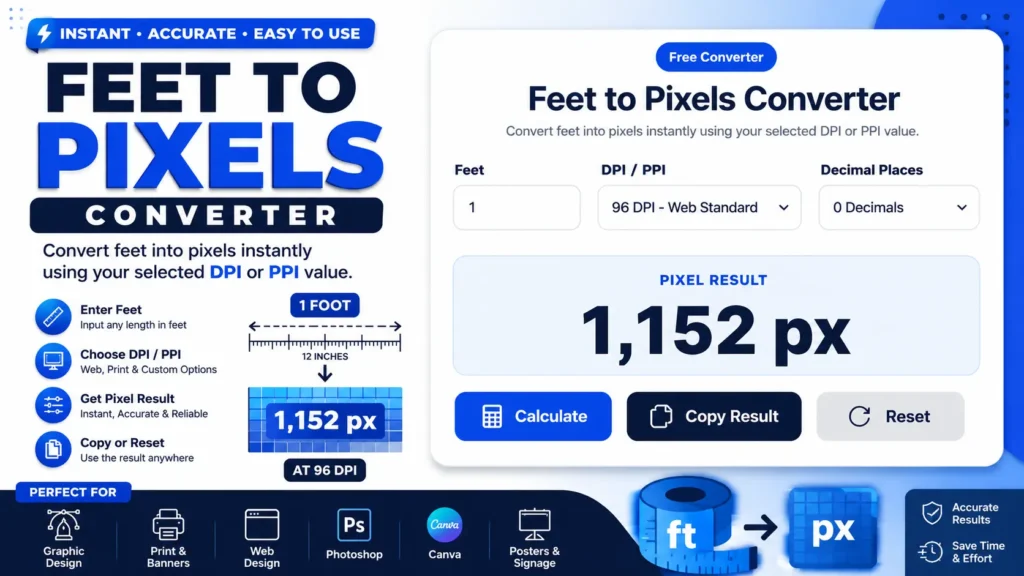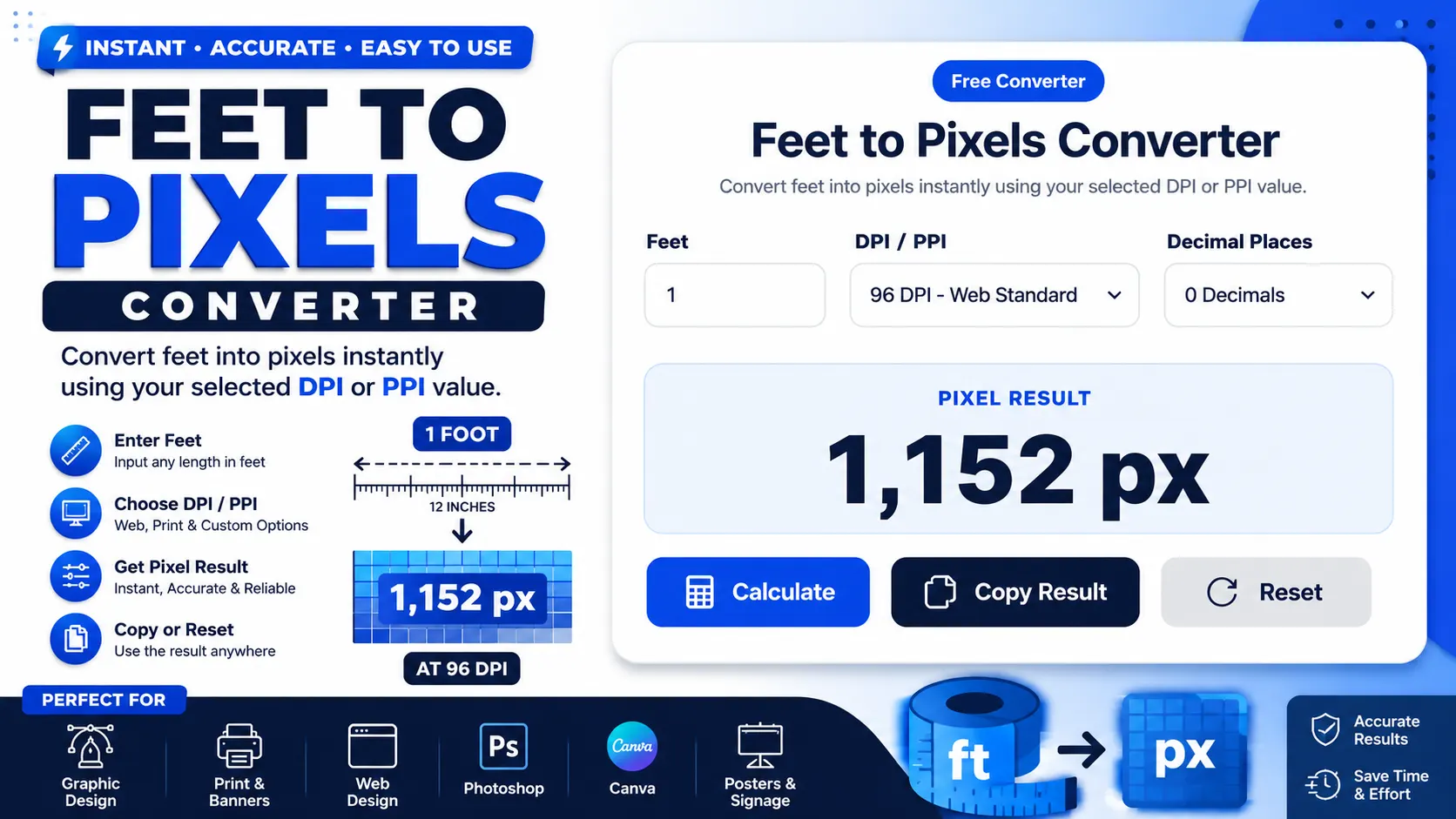
Need to convert a real-world size in feet into pixels for a design, banner, poster, screen layout, or print file? This Feet to Pixels Converter calculates the pixel value instantly using your selected DPI or PPI setting.
Enter the feet value, choose a DPI/PPI preset such as 96 DPI Web Standard, select decimal places, and click Calculate. The tool shows the pixel result clearly, with options to copy the result or reset the form.
Quick Answer
A Feet to Pixels Converter changes a length in feet into pixels based on a selected DPI or PPI value. The formula is Feet × 12 × DPI. For example, 1 foot at 96 DPI equals 1,152 pixels. Use this tool when preparing digital artwork, print files, banners, posters, UI layouts, or image dimensions.
What Is a Feet to Pixels Converter?
A feet to pixels converter is an online calculator that converts a physical length in feet into a digital pixel measurement. Feet measure real-world distance, while pixels measure digital image size.
The conversion depends on DPI or PPI. One foot always equals 12 inches, but the number of pixels per inch changes based on the selected resolution.
This tool can also work as an ft to px converter, feet to pixel calculator, feet into pixels converter, ft to pixel converter, and online feet to pixel converter.
What Does This Tool Do?
This tool calculates how many pixels are equal to a given number of feet. It uses your feet value, selected DPI/PPI option, and decimal place setting to produce a pixel result.
The visible tool includes a Feet input, DPI/PPI dropdown, Decimal Places dropdown, Pixel Result box, Calculate button, Copy Result button, and Reset button.
It is useful when you know the physical size of a design in feet but need the digital size in pixels for software, printing, mockups, or layout planning.
How to Use the Feet to Pixels Converter
- Enter the feet value. Type the length you want to convert into the Feet input field. The screenshot shows 1 as the example value.
- Choose the DPI or PPI value. Select a resolution from the DPI/PPI dropdown. The visible example uses 96 DPI – Web Standard.
- Select decimal places. Choose how many decimal places you want in the result. The screenshot shows 0 Decimals.
- Click Calculate. The converter will calculate the pixel result using the selected settings.
- Read the Pixel Result. The result appears in the large output box. In the visible example, 1 foot at 96 DPI gives 1,152 px.
- Copy the result. Use the Copy Result button when you want to paste the answer into a design file, brief, message, or document.
- Reset the tool. Click Reset to clear the inputs and start a new conversion.
Helpful microcopy: Always choose the DPI or PPI before using the result. The same feet value gives different pixels at 96 DPI, 150 DPI, 300 DPI, or 600 DPI.
Feet to Pixels Formula
To convert feet to pixels, first convert feet into inches, then multiply by the selected DPI or PPI value.
The number 12 is used because one foot equals 12 inches. DPI or PPI tells the calculator how many pixels are used for each inch.
That means 1 foot equals 1,152 pixels at 96 DPI. If you change the DPI, the result changes too.
Key Features of This FT to PX Converter
Feet Input Field
The Feet input lets you enter any length you want to convert. You can use whole numbers like 1, 2, 3, 10, or larger values such as 20 feet.
DPI / PPI Dropdown
The DPI/PPI dropdown lets you choose the resolution used in the calculation. This matters because pixels depend on how many pixels are assigned to each inch.
Decimal Places Control
The Decimal Places dropdown helps you control result precision. Choose 0 decimals for clean whole-pixel values or more decimals if your project needs precision.
Large Pixel Result Box
The result appears in a large, easy-to-read Pixel Result area. This reduces mistakes when copying values into design software or project notes.
Calculate Button
The Calculate button runs the conversion after you enter your values. It saves time compared with manually applying the formula each time.
Copy Result Button
The Copy Result button lets you copy the pixel value quickly. This is useful for designers, printers, developers, and anyone preparing image dimensions.
Reset Button
The Reset button clears the current values so you can start another feet-to-pixels conversion without manually deleting each field.
Why DPI or PPI Matters
Feet are physical units, but pixels are digital units. A foot does not have one fixed pixel value unless a DPI or PPI value is selected.
At 96 DPI, 1 foot equals 1,152 pixels. At 300 DPI, 1 foot equals 3,600 pixels. The physical length is the same, but the pixel density is different.
Use 96 DPI for many web-style references. Use 300 DPI when preparing print-quality artwork, unless your printer or project brief asks for another value.
Common DPI Values for Feet to Pixels
| DPI / PPI | Common Use | 1 Foot Equals |
|---|---|---|
| 72 DPI | Basic screen or old print reference | 864 px |
| 96 DPI | Web standard reference | 1,152 px |
| 150 DPI | Draft print or medium-resolution output | 1,800 px |
| 300 DPI | Common print-quality artwork | 3,600 px |
| 600 DPI | High-detail print output | 7,200 px |
Practical Example
Suppose you want to convert 3 feet to pixels for a design file at 300 DPI. This is common when preparing high-resolution artwork for print.
Example calculation:
3 feet × 12 × 300 DPI = 10,800 px
So, 3 feet equals 10,800 pixels at 300 DPI. If you switch to 96 DPI, 3 feet becomes 3,456 pixels instead.
When Should You Use This Converter?
Use this converter whenever you know the physical size in feet but need the digital size in pixels. This is common in design, print, signage, and web-layout planning.
- Large-format banners and posters
- Wall graphics and signage
- Photoshop canvas sizing
- Print-ready artwork dimensions
- UI layout and screen-size references
- Canva, Illustrator, Figma, or image sizing tasks
- Exhibition graphics and trade-show displays
Feet to Pixels in Photoshop
If you are using Photoshop, choose the DPI based on your final output. For web mockups, 96 DPI may be enough as a reference. For print, 300 DPI is commonly used for sharp artwork.
Large banners may not always need 300 DPI because they are viewed from farther away. Always confirm final DPI requirements with your printer before exporting large-format files.
Who Can Use This Tool?
This feet to pixels calculator is useful for graphic designers, web designers, print designers, signage makers, photographers, developers, UI designers, architects, marketers, students, freelancers, and business owners.
It is especially helpful when you need fast pixel dimensions without manually converting feet into inches and then into pixels.
Common Mistakes to Avoid
Forgetting to Choose DPI
A feet-to-pixels result is incomplete without DPI or PPI. The same feet value can produce very different pixel results.
Assuming 96 DPI Is Always Correct
96 DPI is useful for many web references, but print projects often use 300 DPI or another printer-specified value.
Using Print DPI for Every Large Banner
Large-format prints may use different DPI settings depending on size, viewing distance, material, and printer requirements.
Confusing Feet to Pixels With Pixels to Feet
This page converts feet into pixels. Use a reverse converter if you need to convert pixels back into feet.
Ignoring Decimal Settings
Decimal places affect how the result is displayed. Use 0 decimals when you need clean whole-pixel values.
Helpful Tips
- Use 96 DPI for common web reference calculations.
- Use 300 DPI for many print-quality artwork files.
- Check printer requirements before final large-format export.
- Use 0 decimals when your software needs whole pixels.
- Copy the result to avoid typing mistakes.
- Reset the converter before starting a new project size.
- For width and height, convert each side separately.
Limitations
This converter calculates pixel length from feet using DPI or PPI. It does not automatically decide the best DPI for your project.
The accuracy of the result depends on the feet value, DPI/PPI selection, and decimal place setting you choose.
The tool converts one length at a time. If you need a full size such as 3 by 5 feet in pixels, convert the width and height separately using the same DPI.
For final print production, always confirm the required DPI, bleed, trim size, and file setup with your printer or production team.
Convert Feet to Pixels Now
This Feet to Pixels Converter makes it easy to convert ft to px for web design, print design, signage, banners, posters, Photoshop documents, and digital artwork.
Enter the feet value, choose the DPI or PPI, select decimal places, and click Calculate. Then copy the result and use it in your design, print, or layout workflow.
Frequently Asked Questions
What is a Feet to Pixels Converter?
A Feet to Pixels Converter changes a physical length in feet into a pixel value based on the selected DPI or PPI setting.
What is the formula for feet to pixels?
The formula is Pixels = Feet × 12 × DPI. The 12 converts feet into inches, and DPI converts inches into pixels.
How many pixels are in 1 foot?
At 96 DPI, 1 foot equals 1,152 pixels. At 300 DPI, 1 foot equals 3,600 pixels.
How many pixels are in 3 feet?
At 96 DPI, 3 feet equals 3,456 pixels. At 300 DPI, 3 feet equals 10,800 pixels.
How many pixels are in 10 feet?
At 96 DPI, 10 feet equals 11,520 pixels. At 300 DPI, 10 feet equals 36,000 pixels.
Why does DPI change the pixel result?
DPI means pixels or dots per inch. Higher DPI means more pixels in every inch, so the final pixel value becomes larger.
Can I use this for Photoshop?
Yes. Enter the size in feet, choose the DPI required for your Photoshop document, and use the pixel result as your canvas dimension.
Useful Pixel & Length Conversion Tools
If you are using the FT to PX Converter, these related tools can help with pixel sizing, physical measurements, screen dimensions, and length unit conversions.
- Pixels to Feet Converter – convert pixel values back into feet for scale and layout planning.
- Inches to Pixels Converter – convert inch measurements into pixel values for screens and designs.
- Pixels to Inches Converter – convert digital pixel dimensions into physical inch measurements.
- Feet to Meters Converter – convert feet into meters for real-world measurement comparisons.