A clean URL slug makes a page easier to read, share, and understand. This URL Slug Generator converts titles, keywords, headings, or messy text into short, readable, SEO-friendly slugs that can be used in blog posts, landing pages, product pages, and other public URLs.
Enter your text, choose a dash or underscore separator, decide whether to remove stop words or numbers, then generate a copy-ready slug. It is useful for writers, SEOs, bloggers, developers, and website owners who want clean URLs without formatting them manually.
Quick Answer
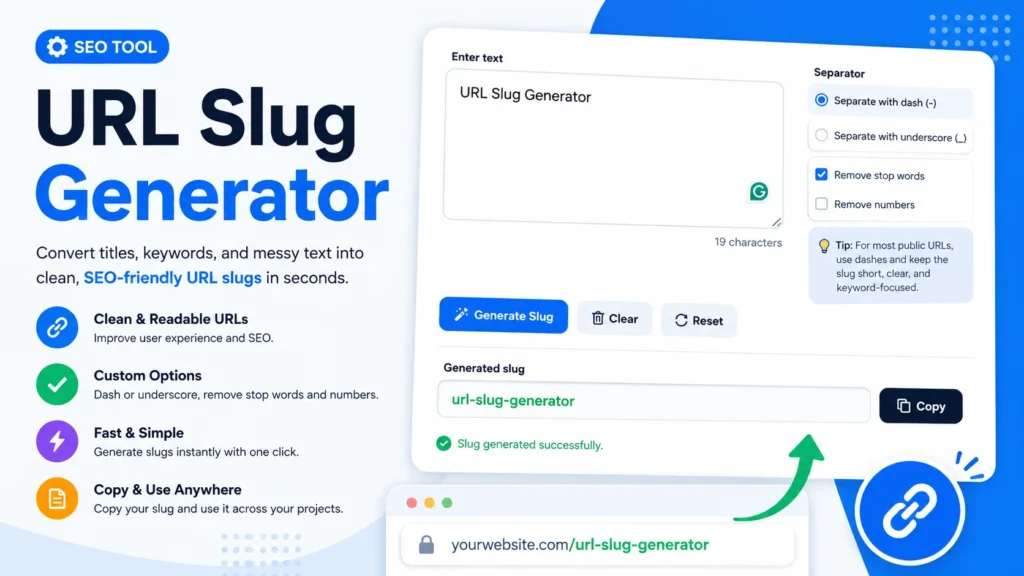
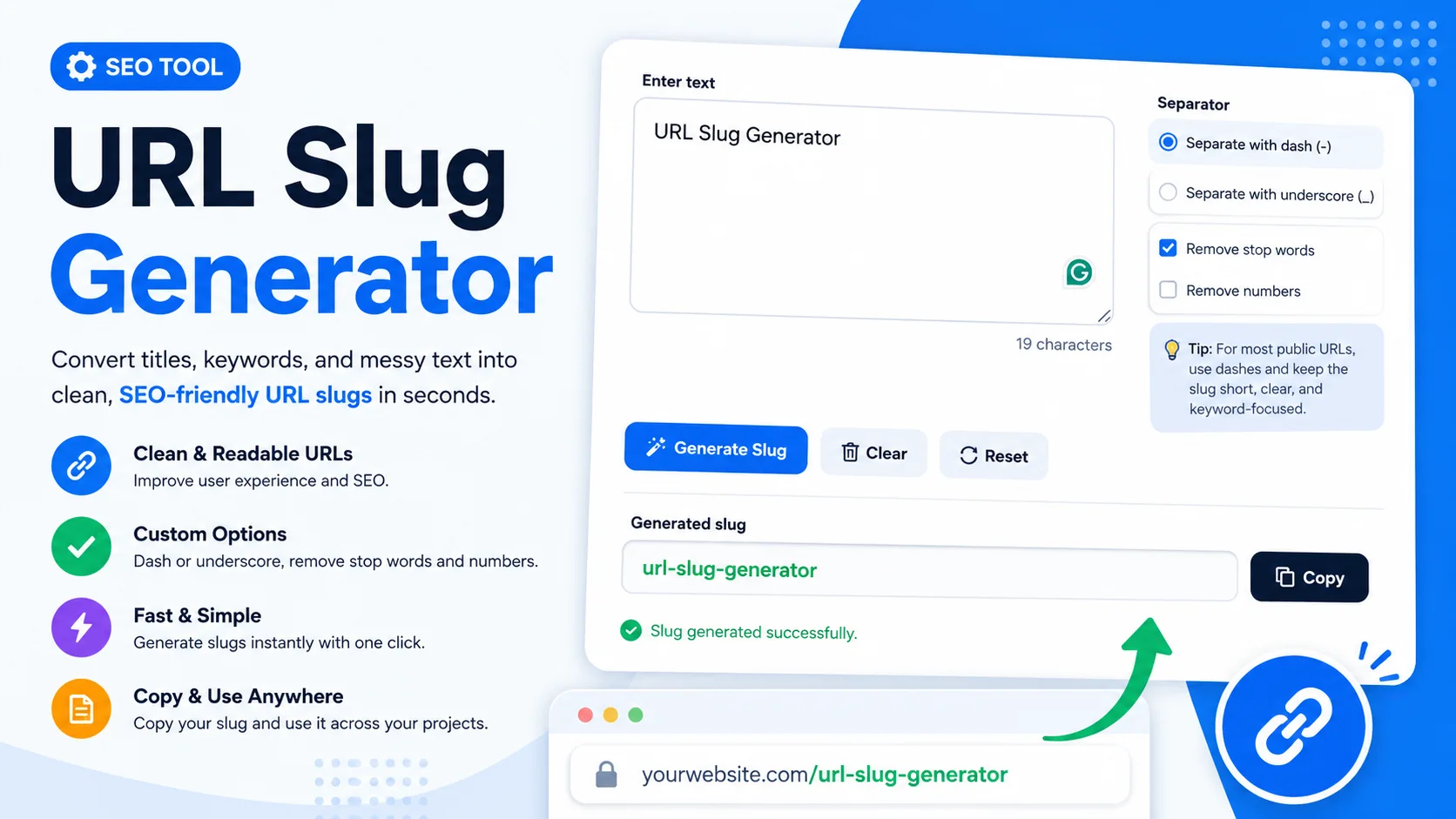
The URL Slug Generator turns normal text into a clean URL slug. It can convert a title like “URL Slug Generator” into “url-slug-generator”.
You can choose dash or underscore separators, remove stop words, remove numbers, generate the slug, and copy the result. It helps create readable, keyword-focused URLs faster and with fewer formatting mistakes.
What Is This URL Slug Generator?
This URL Slug Generator is an online SEO tool that converts text into a clean URL-friendly slug. A slug is the readable part of a web address that usually comes after the domain name.
For example, in a URL like example.com/url-slug-generator, the slug is url-slug-generator.
The tool is designed to convert titles, headings, keywords, or rough text into a cleaner format. It removes unnecessary spacing, formats words consistently, and uses your selected separator to create a URL-ready output.
The visible interface includes an Enter text box, a character count, separator options for dash or underscore, checkboxes for removing stop words and numbers, a Generate Slug button, Clear and Reset buttons, a Generated slug output field, a Copy button, and a success message after generation.
How Does This Tool Work?
The tool works by taking your input text and applying simple slug formatting rules. It changes text into a cleaner structure that is easier to use in URLs.
The basic slug conversion process is:
Text input → lowercase words → remove unwanted parts → add selected separator → clean URL slug
For example, if you enter “URL Slug Generator” and choose dash as the separator, the generated slug becomes:
url-slug-generator
The separator setting controls how words are joined. The dash option creates slugs like seo-friendly-url. The underscore option creates slugs like seo_friendly_url.
The Remove stop words option can help shorten the slug by removing common words when appropriate. The Remove numbers option can remove digits when numbers are not needed in the final URL.
How to Use This URL Slug Generator
- Enter your text: Type or paste a title, keyword, heading, or messy text into the Enter text box.
- Review the character count: The tool shows the number of characters in your input, which helps you keep the text manageable.
- Choose a separator: Select “Separate with dash (-)” for a standard public URL style, or “Separate with underscore (_)” if your project needs underscores.
- Choose whether to remove stop words: Keep “Remove stop words” checked if you want a shorter, cleaner slug.
- Choose whether to remove numbers: Check “Remove numbers” only when numbers are not important to the page topic.
- Click Generate Slug: The tool creates a clean slug based on your input and settings.
- Check the generated slug: Review the output in the Generated slug field before using it.
- Copy the result: Click the Copy button to copy the generated slug.
- Clear or reset when needed: Use Clear to remove the current text or Reset to return the tool to its starting state.
Key Features
Text to Slug Conversion
The main feature is simple text to slug conversion. You can paste a page title, blog heading, product name, or keyword phrase and turn it into a clean slug format.
Dash and Underscore Separators
The separator panel lets you choose between dashes and underscores. For most public URLs, dashes are commonly easier to read, while underscores may be useful for specific internal systems or naming preferences.
Remove Stop Words Option
The Remove stop words checkbox helps shorten slugs by removing common filler words when they are not needed. This can make the final URL cleaner and more focused.
Remove Numbers Option
The Remove numbers checkbox gives you control over digits in the slug. This is useful when numbers are not part of the main topic, but it should be used carefully when a number is important, such as a year, version, product model, or list number.
Generated Slug Output
The Generated slug field shows the final slug clearly. This makes it easy to review the result before copying it into your CMS, website builder, code, or content plan.
Copy Button
The Copy button saves time by letting you copy the generated slug without manually selecting it. This reduces the chance of missing a character or copying extra spaces.
Clear and Reset Controls
The Clear and Reset buttons help you quickly start over. Clear is useful when you want to enter new text, while Reset is useful when you want to return the tool settings to their default state.
Why Use This Tool?
A good slug can make a URL easier to read and understand. Clean slugs also help users recognize what a page is about before they click or share the link.
This tool saves time because you do not need to manually lowercase text, remove spaces, replace symbols, or add separators. It also helps reduce small formatting mistakes that can happen when creating slugs by hand.
For SEO work, a clear slug can support better page organization. It can make URLs easier for users, editors, and search systems to understand. A slug should not be stuffed with keywords, but it should usually describe the page topic clearly.
The tool is also helpful for content teams. Writers can generate slugs from draft titles, SEO specialists can test keyword-focused versions, and developers can quickly format page names for routes or static URLs.
Practical Example
Suppose your page title is “How to Generate a URL Slug From a String”. If you paste that title into the tool and use the dash separator, the result may become:
how-generate-url-slug-string
If stop words are not removed, it may look more like:
how-to-generate-a-url-slug-from-a-string
Both can be readable, but the shorter version may be cleaner for a public URL. The best choice depends on your content style, CMS rules, and whether the removed words are important for clarity.
Who Can Use This Tool?
- SEO specialists: Use it to create clean, keyword-focused URL slugs for pages and blog posts.
- Bloggers: Convert article titles into readable slugs before publishing.
- Content writers: Create consistent slug suggestions for content briefs and editorial calendars.
- Developers: Format page titles, routes, or content strings into slug-style text.
- Website owners: Create cleaner URLs without needing technical knowledge.
- Marketers: Prepare landing page slugs that are short, readable, and campaign-friendly.
Common Mistakes to Avoid
Making the Slug Too Long
A long slug can look messy and hard to scan. Try to keep the slug short while still describing the page topic clearly.
Stuffing Too Many Keywords
A slug should describe the page, not repeat every keyword variation. Use one clear phrase instead of forcing several similar terms into the URL.
Removing Important Numbers
Numbers can be important in some URLs. For example, “top 10 tools,” “2025 guide,” or “version 2” may need the number to keep the meaning clear.
Using Underscores Without a Reason
Underscores can work in some systems, but dashes are usually easier to read in public URLs. Use the underscore option only when it fits your platform or naming rules.
Changing Published URLs Carelessly
If a page is already published and indexed, changing its slug can affect links and traffic. Use redirects when changing existing URLs on a live website.
Helpful Tips
- Use dashes for most public URLs because they are clean and readable.
- Keep the slug focused on the main page topic.
- Remove unnecessary words, but do not remove words that change the meaning.
- Check the generated slug before copying it to your website.
- Use lowercase slugs consistently across your website.
- Avoid special characters unless your platform specifically supports them.
- Use the Copy button to avoid accidental extra spaces.
Limitations
This URL Slug Generator helps format text into a clean slug, but it does not decide your complete URL strategy. You still need to choose a slug that accurately matches the page content.
The tool does not guarantee SEO rankings. A clean slug can support readability and organization, but rankings depend on many factors such as content quality, search intent, internal links, page experience, authority, and competition.
Stop word removal should be reviewed manually. Sometimes a small word is needed for the slug to make sense. If the result looks unclear, adjust the text or turn off stop word removal.
Number removal should also be used carefully. If a number is part of a product name, year, ranking, version, or exact topic, removing it may make the slug less accurate.
The generated output depends on your input text and selected settings. Always review the final slug before publishing it on a live website.
Conclusion
The URL Slug Generator is a simple and useful tool for converting titles, headings, keywords, and messy text into clean SEO-friendly slugs. It helps you choose separators, remove stop words or numbers, generate a readable output, and copy the result quickly.
Use this URL Slug Generator whenever you need a clean slug for a blog post, landing page, product page, category page, or content brief. A short, readable, and accurate slug makes your URL easier for users to understand and easier for teams to manage.
FAQs
What is a URL slug?
A URL slug is the readable part of a web address that identifies a specific page. For example, in “example.com/url-slug-generator”, the slug is “url-slug-generator”.
What does a URL Slug Generator do?
A URL Slug Generator converts normal text into a URL-friendly format. It usually lowercases words, removes extra spaces, adds separators, and creates a cleaner slug.
Is dash or underscore better for URL slugs?
For most public URLs, dashes are preferred because they are easy to read. Underscores may be used when a specific platform, project, or file-naming system requires them.
Can I convert a title to a URL slug?
Yes. You can paste a title into the Enter text box and generate a slug from it. For example, “URL Slug Generator” can become “url-slug-generator”.
Should I remove stop words from a slug?
Removing stop words can make a slug shorter and cleaner. However, keep stop words when they are needed for clarity or when removing them makes the slug confusing.
Should numbers be removed from URL slugs?
Remove numbers only when they are not important. Keep numbers when they are part of a year, version, product model, list title, or the actual meaning of the page.
Does a clean URL slug improve SEO?
A clean slug can improve readability and help users understand the page topic. It does not guarantee rankings, but it supports better URL structure and user experience.
Useful SEO & Content Formatting Tools
If you are using the URL Slug Generator, these related tools can help with title formatting, SEO rank checks, text comparison, and Markdown or HTML conversion.
- Title Case Converter – format headings, page titles, and captions with clean capitalization.
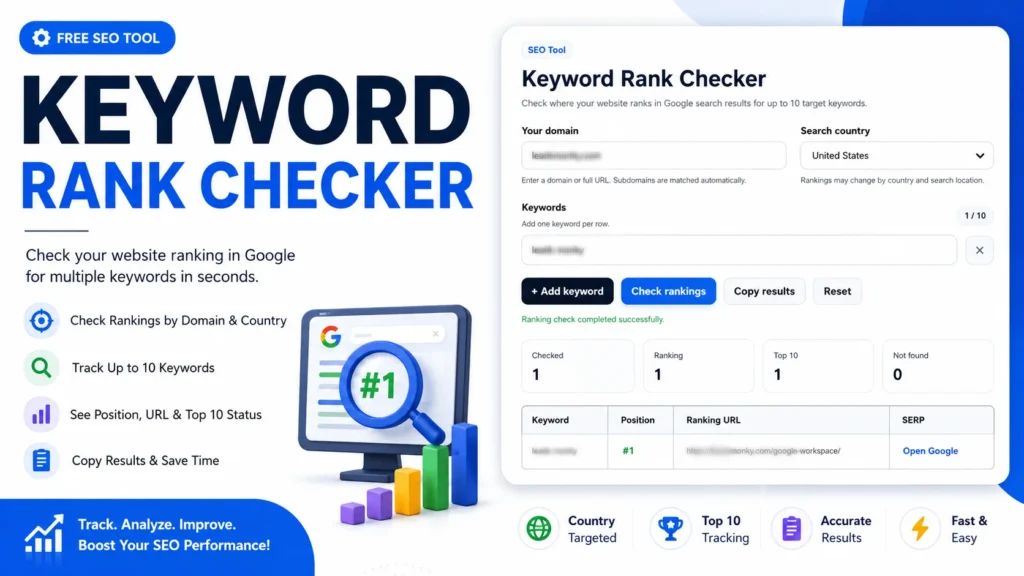
- SERP Keyword Rank Checker – check keyword positions and search visibility.
- Diff Checker Online – compare text, URLs, or edited content versions side by side.
- Markdown to HTML Converter – convert formatted content between Markdown and HTML.