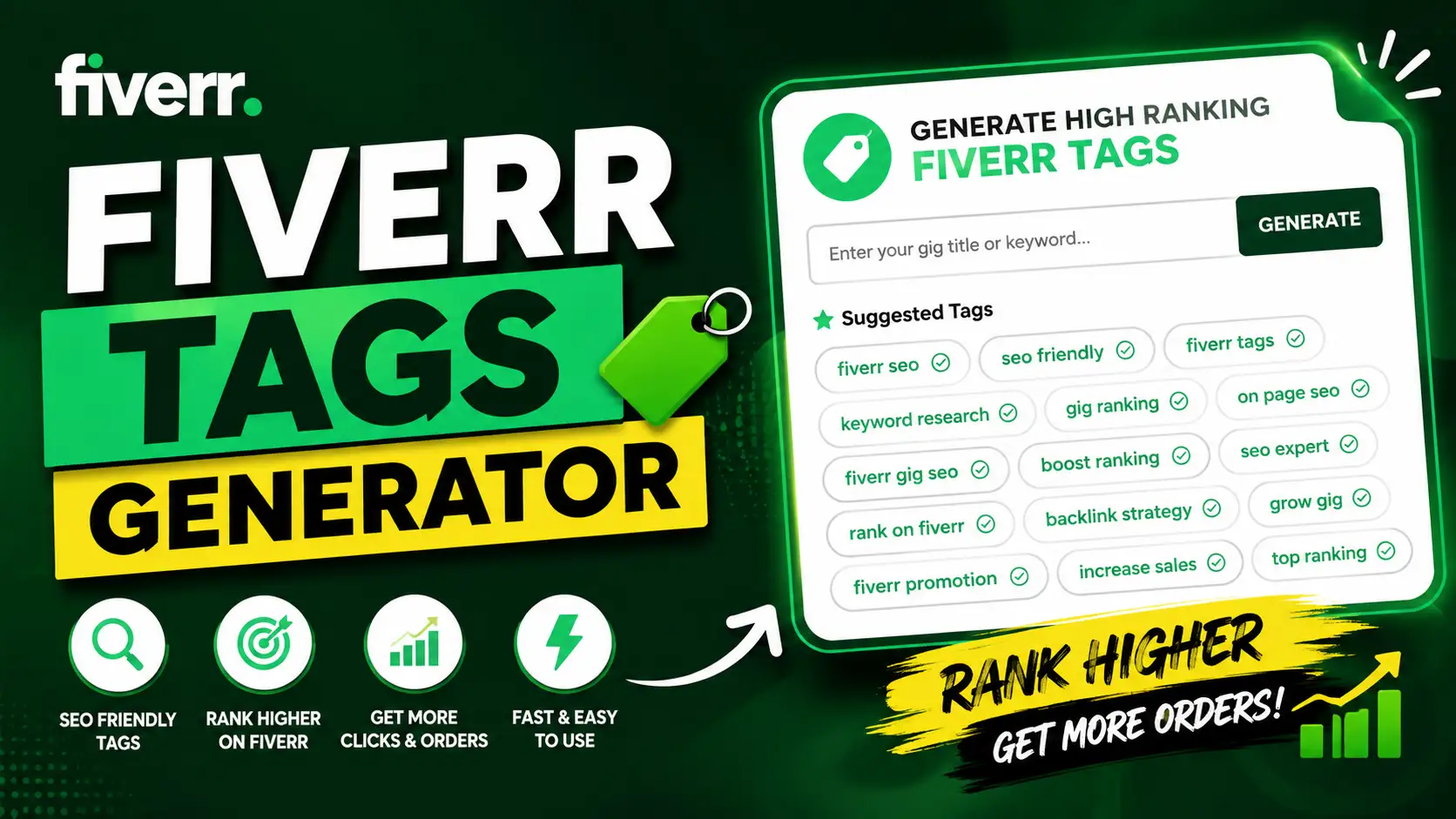
Use this Fiverr Tags Generator to create short, relevant search tag ideas for your Fiverr gig. Enter your gig title, choose your category, select how many suggestions you want, add a short description if needed, and generate tag ideas you can review before copying.
This Fiverr tag generator is built for freelancers who want cleaner gig keywords without guessing random terms. It helps you turn a service like “I will design a professional logo for your business” into focused tag ideas such as logo design, business logo, branding, graphic design, or minimalist logo.
What Is a Fiverr Tags Generator?
A Fiverr tags generator is a tool that helps create search tag ideas for Fiverr gigs. Fiverr tags are short keywords or phrases that describe your service and help connect your gig with relevant buyer searches.
The goal is not to collect the most popular tags from every category. The goal is to choose tags that match your exact gig title, service category, offer, skills, tools, and buyer intent. A focused tag is usually more useful than a broad keyword that attracts the wrong audience.
How This Fiverr Tag Generator Works
This tool uses your gig title, selected category, optional short description, and suggestion count to generate Fiverr-style tag ideas. You can ask for 10, 15, or 20 suggestions, then pick the most relevant tags from the list.
After the suggestions appear, select the tags that best match your gig. The tool is designed around the practical Fiverr workflow, where sellers usually need a small number of strong search tags instead of a long keyword list full of weak variations.
How to Use the Fiverr Tags Generator Tool
Start by entering your gig title. This should describe the service clearly, such as “I will create a modern business logo” or “I will write SEO blog posts for your website.” A specific title gives the tool better context for generating tags.
Next, choose your gig category, such as Graphic Design, Digital Marketing, Writing & Translation, Video & Animation, Music & Audio, Programming & Tech, Business, Data, Photography, AI Services, Lifestyle, Finance, or Other. Then select how many tag suggestions you want and click generate.
Why Fiverr Search Tags Matter
Fiverr search tags help describe what your gig is about. They are not the only ranking factor, but they can support gig relevance when they match your title, category, description, and actual service. Good tags make the gig intent easier to understand.
For example, a logo design gig should not use random tags like data entry or video editing just because those services are popular. Better tags would stay close to the service, such as logo design, brand identity, business logo, minimalist logo, or vector logo.
Fiverr Gig Tags Limit
Fiverr search tags are limited, so every tag should earn its place. Use your strongest tags for the exact service you offer. If your gig is about WordPress speed optimization, do not waste tag space on general terms that do not describe the offer.
This tool helps by generating more suggestions than you need, then letting you select your best options. That workflow is useful because the first tag idea is not always the strongest. Review the list, remove weak tags, and keep the most relevant ones.
| Tag Rule | What It Means | Better Practice |
|---|---|---|
| Use limited tag slots | You cannot add unlimited tags | Choose the strongest service keywords |
| Keep tags short | Long phrases may not work well | Use compact buyer search terms |
| Stay relevant | Unrelated tags confuse gig intent | Match tags with your actual service |
| Avoid duplicates | Repeated ideas waste tag space | Use each tag for a different useful angle |
Fiverr Search Tags Character Limit
Many sellers search for the Fiverr search tags character limit per tag because long tags can be hard to fit or may become unclear. A practical approach is to keep every tag short, readable, and close to the phrase a buyer would search.
If a tag feels too long, simplify it. For example, “professional modern business logo design” can become “business logo” or “logo design.” Shorter tags are easier to understand, easier to review, and usually cleaner for a Fiverr gig setup.
What Makes a Good Fiverr Tag?
A good Fiverr tag describes the service, skill, or buyer need behind your gig. It should be specific enough to separate your offer from broad categories. “Design” is too general, while “logo design” or “social media design” gives stronger context.
The best tags often connect with your gig title and service description. If your title says you design YouTube thumbnails, then tags like youtube thumbnail, thumbnail design, video cover, and youtube design are more useful than unrelated trending keywords.
Fiverr Tags Examples
Use these Fiverr tags examples as inspiration, not as fixed tags for every gig. The right tag set depends on your category, service, buyer type, and the exact words used in your gig title and description.
| Gig Type | Possible Fiverr Tags |
|---|---|
| Logo Design | logo design, business logo, branding, minimalist logo, vector logo |
| Social Media Design | social media, post design, instagram post, canva design, ad creative |
| SEO Writing | blog writing, seo content, article writing, website content, copywriting |
| WordPress Service | wordpress, website design, landing page, elementor, bug fix |
| Video Editing | video editing, youtube video, reels editing, tiktok video, subtitles |
| AI Services | ai automation, chatbot, ai content, prompt writing, ai tools |
Fiverr Keyword Generator vs Fiverr Tags Generator
A Fiverr keyword generator can help you think of search terms buyers might use. A Fiverr tags generator focuses those terms into short tag-style phrases that fit the gig search tags field.
For better gig optimization, use keywords across the full gig naturally. Your title, description, packages, FAQs, and tags should all point to the same service. Tags alone cannot fix a weak gig, but relevant tags can support a clear and focused gig.
How to Choose the Best Search Tags on Fiverr
To choose the best search tags on Fiverr, start with the exact service you sell. Think like a buyer, not like a seller. A buyer may search for “logo design,” “resume writing,” “shopify store,” “voice over,” or “youtube thumbnail.”
Choose tags that describe the service outcome. For example, “Photoshop” is a tool, while “photo editing” is a service. If both are relevant, you can use both, but do not fill every tag slot with software names unless buyers search that way in your niche.
How to Add Tags on Fiverr
When creating or editing a Fiverr gig, you can add search tags in the gig setup area. These tags should be words or short phrases that describe the gig. Add your most relevant tags and keep them aligned with the category, title, description, and package details.
Before adding tags, read your gig like a buyer. If your title says logo design but your tags focus on social media marketing, the gig intent becomes unclear. Keep all parts of the gig pointing toward the same service.
Fiverr Gig Tags for Better Optimization
Fiverr gig tags are only one part of gig optimization. Your gig title, first image, category, description, pricing, delivery time, reviews, response quality, and buyer satisfaction also matter. Tags should support the offer, not carry the entire strategy alone.
Use this tool as a fast tag idea generator, then improve the rest of your gig manually. A clear gig title, strong image, specific packages, and honest description can make your search tags more effective because the whole page has one consistent intent.
Fiverr Tags for Graphic Design
Graphic design is one of the most common categories where freelancers need better tag ideas. A broad tag like graphic design can be useful, but it should be paired with more focused terms that match the exact service.
| Graphic Design Gig | Better Tag Direction |
|---|---|
| I will design a modern logo | logo design, business logo, branding |
| I will create Instagram posts | instagram post, social media, post design |
| I will edit product photos | photo editing, photoshop, product photo |
| I will design YouTube thumbnails | youtube thumbnail, thumbnail design, video cover |
Fiverr Tags for Digital Marketing
For digital marketing gigs, tags should describe the actual marketing service. If your gig is about SEO, use SEO-related tags. If your gig is about ads, choose PPC, Google Ads, Facebook Ads, or campaign management terms when they match your offer.
Avoid mixing every marketing service into one tag set. A social media manager, SEO writer, PPC specialist, and email marketer may all work in digital marketing, but their buyer intent is different. Focus tags around the service you truly provide.
Using the Optional Short Description
The short description field can improve results because it gives the tool extra context beyond the gig title. A title may say “I will design a logo,” but the description can clarify whether the style is minimalist, luxury, mascot, vintage, modern, or hand-drawn.
Use this field to mention your main deliverables, tools, niche, and audience. For example, “I create minimalist logo designs for startups using Illustrator and brand strategy” gives better context than “I do design work.”
Common Fiverr Tag Mistakes to Avoid
Do not use tags only because they sound popular. If the tag does not match your service, it may attract the wrong buyer or weaken your gig intent. Relevance matters more than chasing every high-volume phrase.
Also avoid using five versions of the same tag. For example, logo, logos, logo design, logo maker, and logo service repeat the same idea too closely. A stronger set could include logo design, business logo, branding, minimalist logo, and vector logo.
Important Note About Fiverr Rankings
This tool helps generate relevant Fiverr tag ideas, but it does not guarantee impressions, clicks, ranking, or orders. Fiverr performance depends on many factors, including service relevance, competition, pricing, reviews, delivery quality, seller activity, and buyer behavior.
Use the generated tags as a starting point. Review each tag carefully, remove anything unrelated, and choose the tags that best describe your actual gig. Clear and honest relevance is better than stuffing tags with broad or misleading keywords.
FAQs
What is a Fiverr tags generator?
A Fiverr tags generator is a tool that creates short search tag ideas for Fiverr gigs based on your gig title, category, and service description.
How do I use this Fiverr tag generator?
Enter your gig title, choose your category, select how many suggestions you want, add a short description if needed, and generate tag ideas. Then select the best tags and copy them.
How many Fiverr tags should I use?
Fiverr allows a limited number of search tags, so choose your strongest and most relevant tags. Do not fill tag slots with unrelated words just to use more tags.
What are Fiverr search tags?
Fiverr search tags are short keywords or phrases that describe your gig. They help connect your service with relevant buyer searches and should match your gig title and description.
What are the best search tags on Fiverr?
The best search tags are specific, relevant, and connected to buyer intent. For example, logo design is stronger than only design because it describes the service more clearly.
Can this tool generate Fiverr tags for graphic design?
Yes. Choose Graphic Design as the category and describe your service, such as logo design, social media posts, thumbnail design, or business card design.
Can this tool generate Fiverr tags for digital marketing?
Yes. Choose Digital Marketing and describe your offer clearly, such as SEO, social media marketing, email marketing, Google Ads, or content marketing.
What is the Fiverr search tags character limit?
Fiverr tags should be short keywords or phrases. If a tag feels too long or unclear, shorten it into a compact phrase that still describes your service accurately.
Can tags improve my Fiverr ranking?
Tags can support gig relevance, but they do not guarantee ranking. Your title, description, category, images, pricing, reviews, delivery quality, and buyer satisfaction also matter.
What is the difference between Fiverr tags and Fiverr keywords?
Fiverr keywords can appear in your title, description, packages, FAQs, and tags. Fiverr tags are the short keywords or phrases added to the search tags field.
Should I edit the generated tags?
Yes. Always review the generated tags before using them. Keep the tags that accurately describe your gig and remove anything that does not match your service.
Is this an official Fiverr tool?
No. This is an independent Fiverr tag idea tool. It is not an official Fiverr product and does not guarantee search placement, impressions, or orders.
Useful Fiverr & SEO Optimization Tools
If you are using the Fiverr Tags Generator, these related tools can help with gig titles, Fiverr ranking, keyword checks, and SEO-friendly content formatting.
- Fiverr Gig Title Generator – create stronger title ideas for Fiverr gigs and freelance services.
- How to Rank Fiverr Gig on First Page – learn practical ways to improve gig visibility and ranking.
- SERP Keyword Rank Checker – check keyword positions and monitor search visibility.
- URL Slug Generator – create clean slugs for pages, posts, services, and gig-related content.